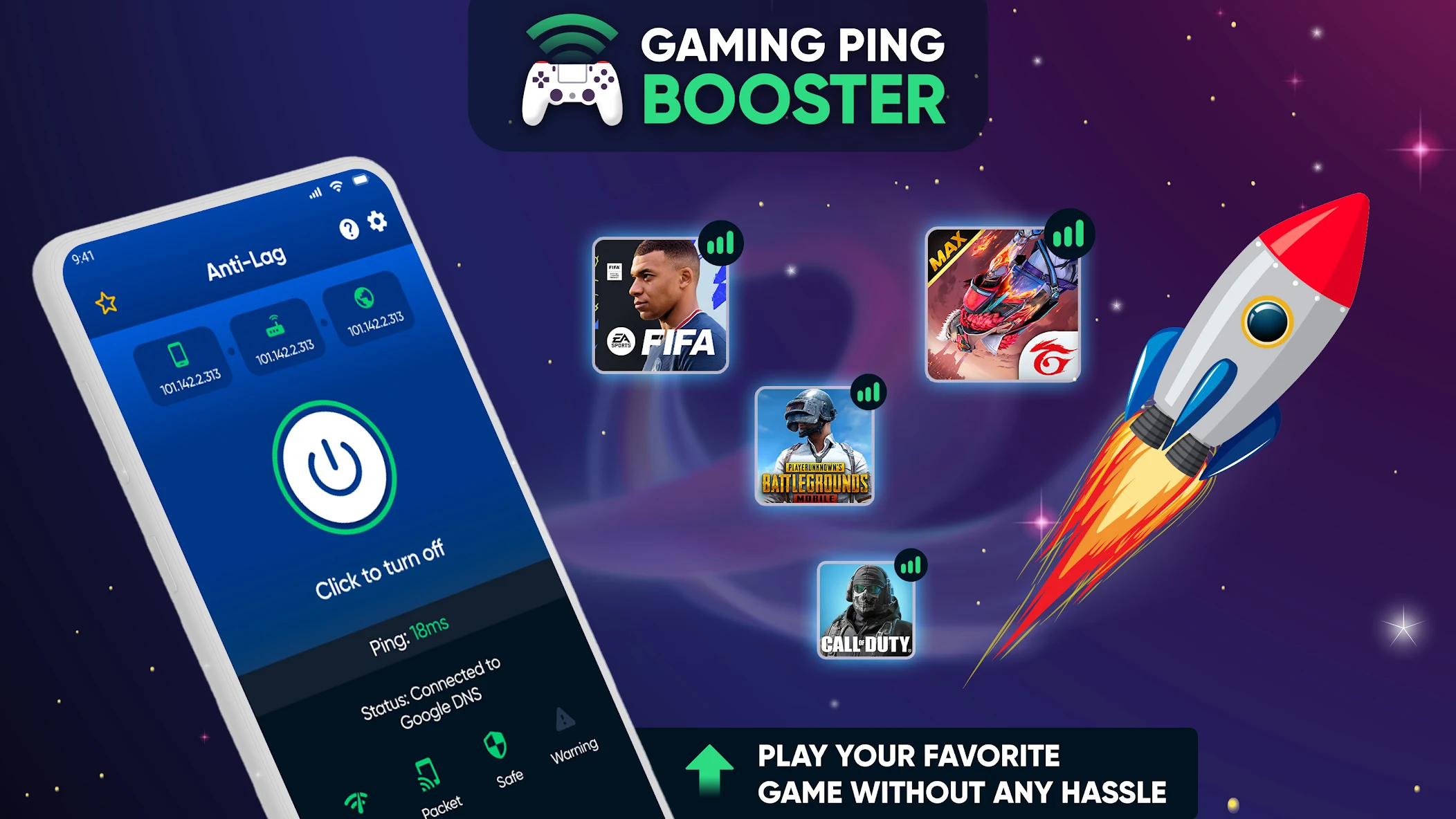


🎮 Anti Lag Fix & Ping Booster
Explore network settings for mobile gaming with Anti Lag Fix & Ping Booster. Check your ping, manage DNS configurations, and select available network modes through a simple interface.
Looking for a ping booster, latency reducer, or anti lag tool? This app provides tools to explore network configurations and monitor connection information while enjoying online mobile games.
⚡ Network Settings for Mobile Gaming
A stable internet connection is important for online gaming. This ping reducer app offers network configuration options that may affect how your device connects to online services.
If you're looking for a lag fix or ways to lower ping, explore available DNS settings and connection modes. Actual latency depends on your network provider, server location, and connection conditions.
🚀 Key Features
✅ Ping Booster & Network Modes
Choose from available connection modes and manage supported network settings. The app provides convenient controls for exploring different configurations.
✅ DNS Configuration
Manage supported DNS settings using the app's network configuration tools. DNS changes affect domain name resolution and do not guarantee reduced gaming latency.
✅ Ping & Display FPS Information
Check network ping and view available screen FPS information directly in the app. The FPS indicator relates to screen performance and does not measure the frame rate of individual games.
✅ Background Operation
Keep supported network configurations active while using other apps or playing mobile games.
✅ Mobile Network Support
Access available network features using Wi-Fi and supported 3G, 4G, and 5G connections.
🎯 Anti Lag Tool for Gamers
Experiencing a laggy game or searching for a laggy game fixer? Online gaming delays may be related to network congestion, server distance, or connection stability.
This lag remover for games gives you access to DNS configuration options, network modes, and connection information.
Whether you're looking for fix lag for games, a lag fixer, or a ping remover, you can explore available network settings without complicated setup.
The app does not increase hardware performance or guarantee improvements in ping, FPS, or game responsiveness.
📱 How to Use Ping Booster
1. Open Anti Lag Fix & Ping Booster.
2. Check your current ping and available screen information.
3. Select your preferred ping mode.
4. Tap the Boost button to activate the selected network configuration.
5. Allow the Android VPN connection request if prompted.
6. Once activated, open your favorite mobile game while the selected configuration remains active.
You can return to the app to change your settings or disable the active configuration.
🔒 VPN Service Information
Anti Lag Fix & Ping Booster uses Android VpnService functionality with the android.permission.BIND_VPN_SERVICE declaration.
The VPN service is used to route supported network traffic through a local loopback interface and apply custom DNS configurations. This enables the app's network configuration functionality.
The service does not guarantee reduced ping, increased FPS, or improved gaming performance.
Important: Network performance depends on your device, internet connection, network provider, and game servers. The app provides network configuration and monitoring tools rather than hardware optimization.