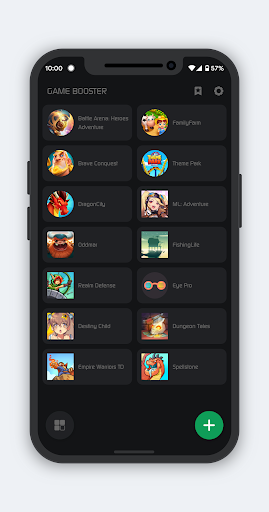

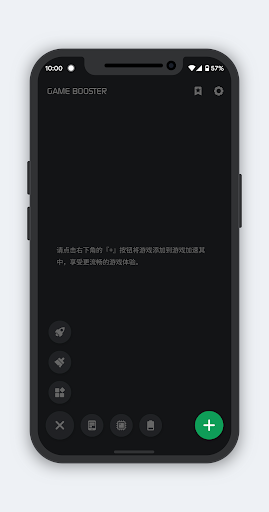
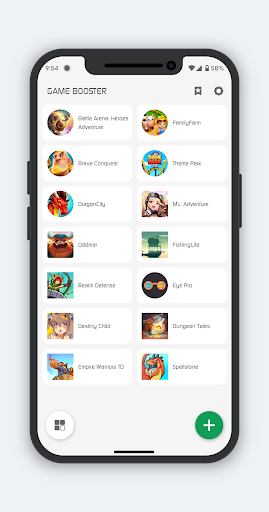
Game Booster applies your settings the moment a game starts and keeps the readings you need on screen, so you can stay in the game instead of switching out to check your phone.
★ Game Mode Settings
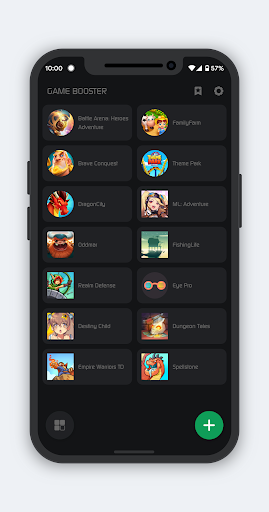
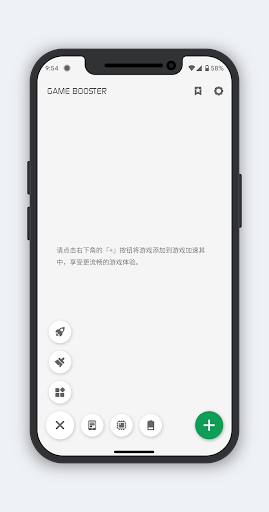
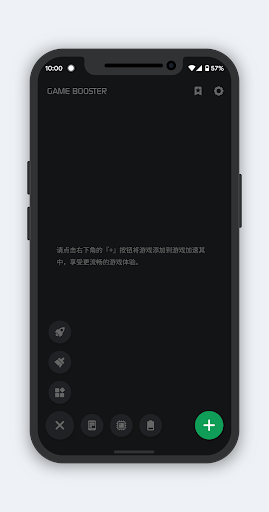
Add each game once, then set its brightness, ringtone volume, media volume and screen rotation. The next time you launch it, those settings are applied automatically. Set them per game, so a shooter and a puzzle game can each keep their own preferences.
★ Crosshair Overlay
When you need a fixed aiming point, open a crosshair overlay on top of the game. The crosshair can be moved and resized to fit your screen.
★ Device Readings in Game
Keep CPU temperature, CPU usage, GPU temperature, battery level and RAM usage visible while you play. The CPU panel shows the processor name, core count, temperature, maximum clock speed and usage, with a live usage curve. The battery panel shows level, health, temperature, charging state, charging type, voltage and charge cycles on Android 14 and newer.
★ Floating Windows
Open separate overlays for CPU temperature and usage, individual cores, GPU temperature, battery level and temperature, RAM usage, system status and sensors. Only sensors your device actually has appear, and each window can be moved and resized.
★ Themes
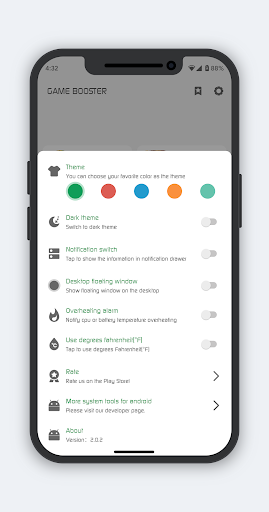
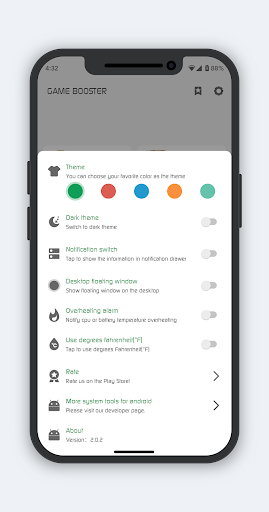
Switch between several themes and a dark mode while you play.
Game Booster keeps your game settings and your device data together: set it once, then see it all on screen.