

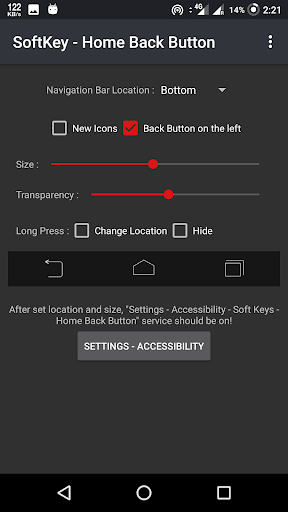
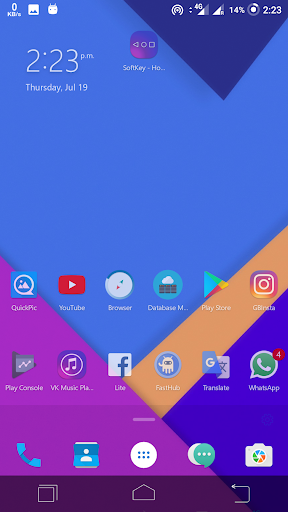
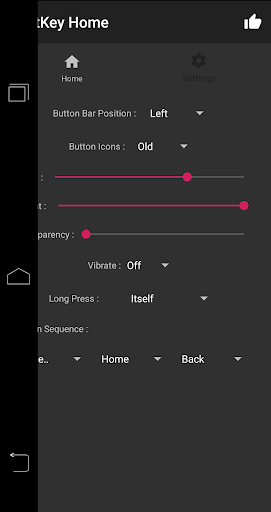
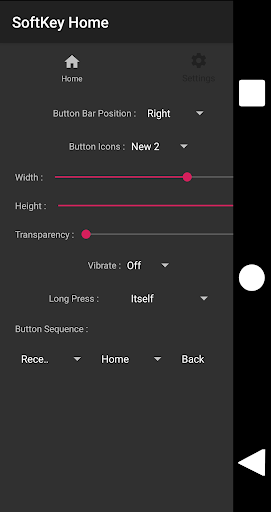
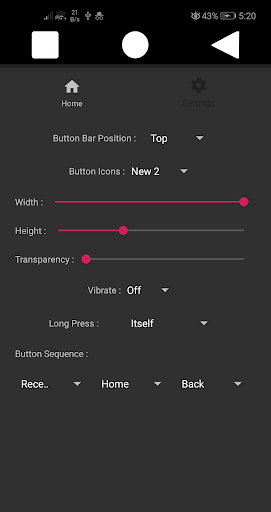
Softkey of the back button. I work does not require root.
★More Secure—Auto hide navigation bar.
★More Efficient—Ability to change navigation bar with background and button color
🎨Key Features:
• Auto-hide navigation bar
• Easy to wipe up/down to show/hide navigation bar
• Functions: Home, Back, Recent
• Ability to Set vibrate on touch
• Options to lock navigation bar
• Ability to change navigation bar with background and button color
• Ability to set navigation bar size with height
• 2 Themes Available
• Long press action for back, home, recent buttons
How to use ?
• Open app, enable permissions if asked
• Set location, size ...
• Click "Settings-Accessibility" button
• Find "SoftKey - Back Home Button" and enable it.
Contact Us:
Facebook: https://www.facebook.com/vimalcvs
Please send us your feedback via technovimalin@gmail.com
For business/designer cooperation, please do not hesitate to contact
Email: technovimalin@gmail.com
Website: https://www.technovimal.in
Privacy Policy & Terms of Service:
https://ducslecture.blogspot.com/2019/07/PrivacyPolicy.html


