

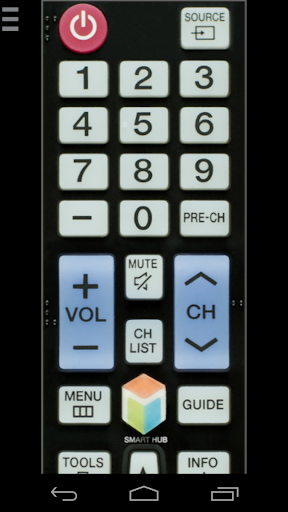
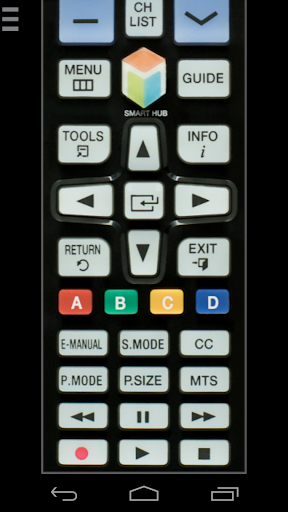
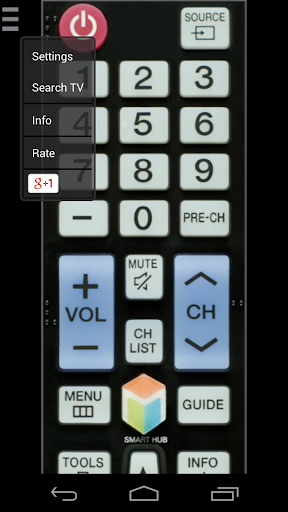
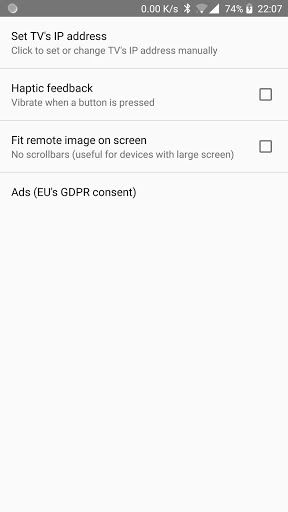
Use your Android phone or tablet as a remote control for your Samsung Smart TV. Design your own remote layout, choose button functions and navigate with a touchpad. Change channels, adjust the volume, open TV apps, type with your phone's keyboard and cast photos or videos to your television.
Control your TV from your phone or a compatible Wear OS smartwatch. This app gives you another way to manage your TV when the original remote is missing, out of batteries or simply out of reach.
Your remote, your layout
Customize your remote layout and choose the functions assigned to its buttons. Keep the controls you use most in convenient positions. Use the touchpad for quick, trackpad-style navigation on supported TV models.
Everyday TV controls
- Adjust the volume, mute sound, change channels or enter a channel number.
- Navigate with directional buttons, OK, Home, Back and Menu.
- Control playback with play, pause, rewind and fast-forward buttons.
- Switch between supported inputs, such as HDMI.
- Turn your TV on or off on supported models.
- Select which TV to control and reconnect to previously paired televisions.
Keyboard, apps and media
- Phone keyboard: enter text in supported TV search fields and apps.
- App shortcuts: launch supported apps installed on your television.
- Photo and video casting: cast supported photos and videos to your TV for viewing on a larger screen.
- Screen mirroring: display your phone's screen on a compatible TV.
Control your TV from your watch
Use the Wear OS app on a compatible smartwatch to control your Samsung TV from your wrist. Access supported TV controls without reaching for your phone. Enjoy all features for free, if you wish you can have also an ad-free experience.
How to connect
1. Connect your phone to the same local network as your TV. Your phone can use Wi-Fi while the TV is connected by Wi-Fi, Ethernet or WiFi Direct.
2. Open the app and select your television.
3. Approve the connection on the TV if a permission request appears.
4. Use the remote controls and features supported by your TV.
Compatibility
Designed for Samsung Smart TVs with network remote-control support, including compatible Tizen models and supported older televisions. Available buttons, touchpad navigation, power functions, keyboard input, app launching, casting and screen mirroring depend on your TV model, software and supported services. Network remote control does not require an infrared transmitter.
This app is not affiliated with, endorsed by, or sponsored by Samsung Electronics. Samsung is a trademark of Samsung Electronics Co., Ltd.


