If your physical volume button is broken or you are uncomfortable to adjust volume by using physical volume button, “Volume Control - Bottom Screen" is an application you would love!
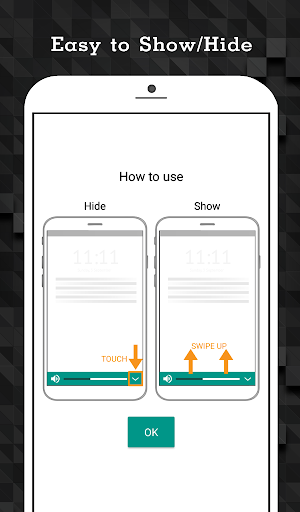
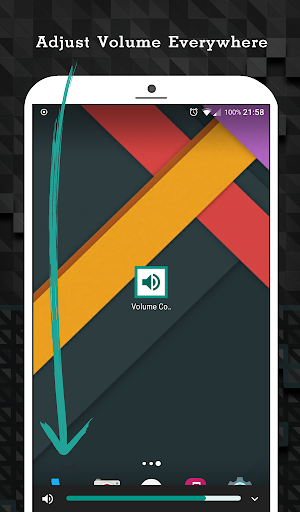
This app will show adjustable volume mini bar at the bottom of the screen. You can swipe to show or hide this bar anywhere.
How to use.
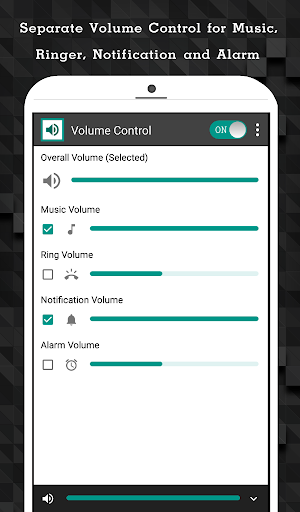
Open the application and select type of volume you want to adjust by bottom-screen mini bar.
Key Features
- Adjust Music, Ring, Notification and Alarm volume with one step
- Click a volume icon to mute or unmute
- Swipe up at the bottom of the screen to show adjustable volume bar
- Auto hide the bar when inactive after 3 seconds
- Adjust separate volume control for Music, Ring, Notification and Alarm volume in application
- Fix various bugs and improve performance.