| Antivirus | Status |
|---|---|
| ZonerMobileSecurity | No result |
Needs further review: this scanner has not returned a result for this version of the app. | |
| Eset | Clean |
| Kaspersky | Clean |
| McAfee | Clean |
| ClamAv | Clean |
| Symantec | Clean |
| GooglePlayProtect | No result |
Needs further review: this scanner has not returned a result for this version of the app. | |
| FSecure | Clean |
| DrWeb | Clean |
| Comodo | Clean |
App screenshots
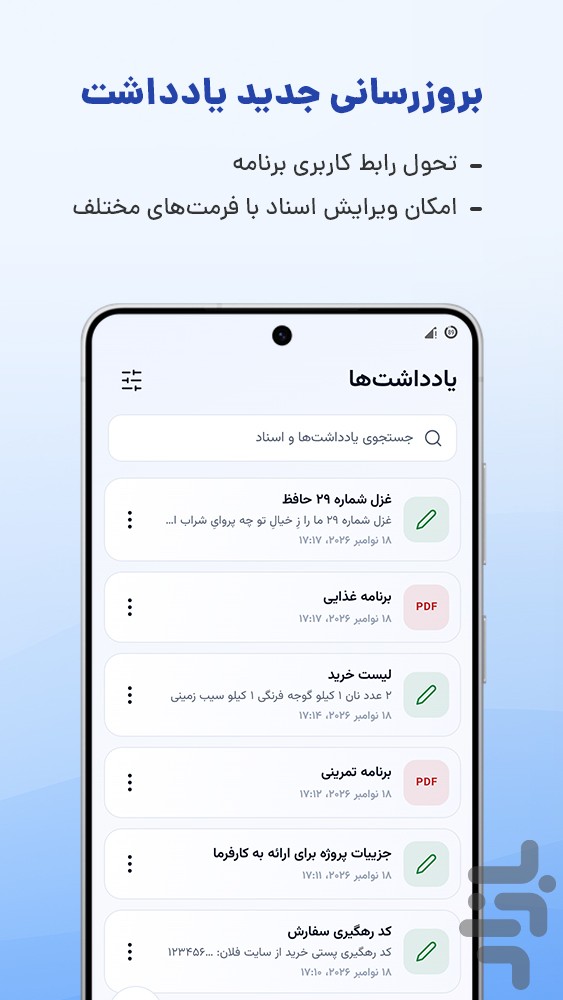
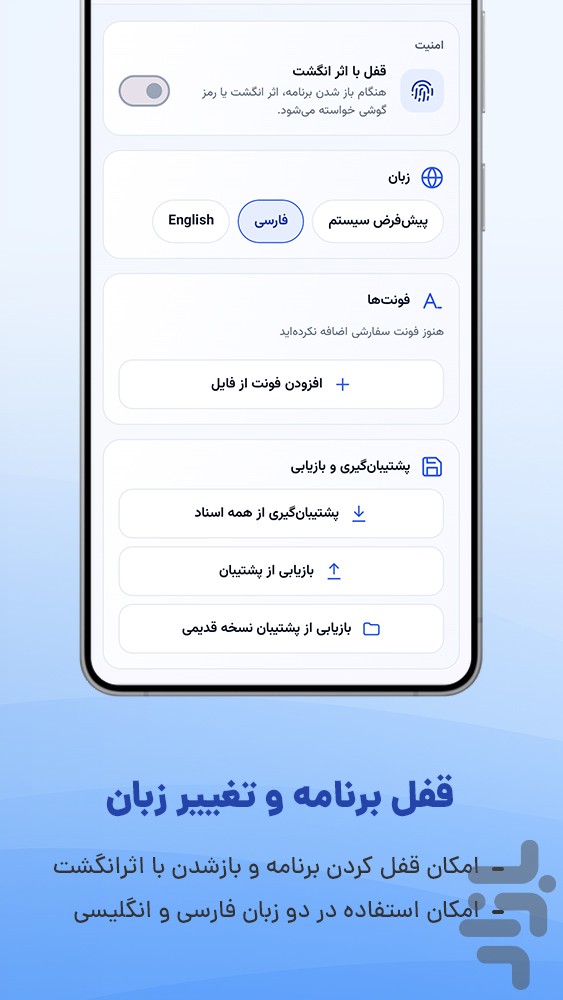
Note is more than a simple note-taking app. It is a complete mobile document editor that gives you the tools to create, edit, format, and manage your documents right from your Android device.
Whether you want to write a quick note, prepare a formatted document, or manage existing files, Note makes it easy.
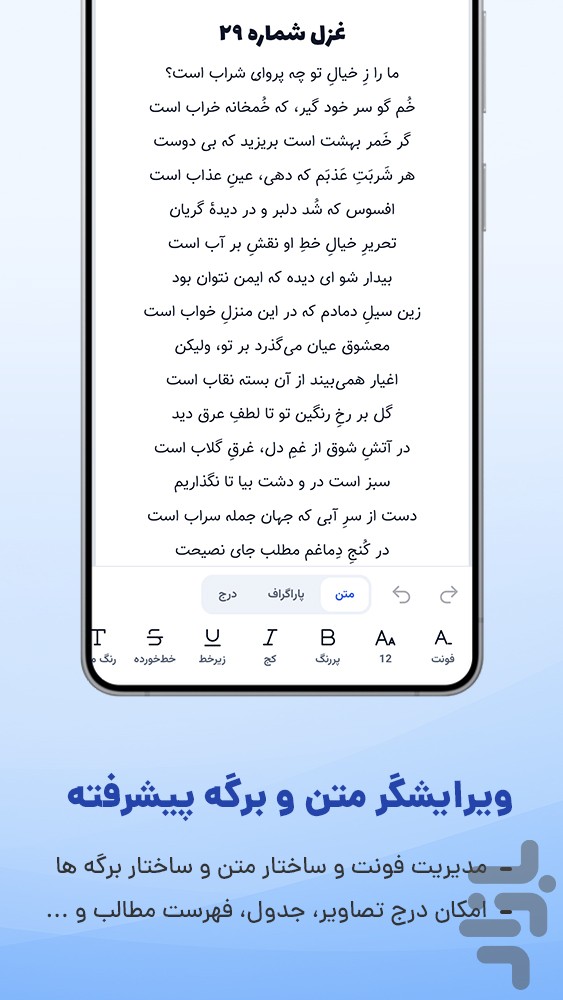
✍️ Professional Text Editor
- Change font family, size, and color
- Apply bold, italic, underline, and strikethrough formatting
- Use headings and paragraph styles
- Insert links, quotes, and highlighted text
- Adjust text alignment and indentation
- Full support for left-to-right and right-to-left text
- Write in multiple languages, including Persian and English
📄 Page Layout & Formatting
- Choose from A3, A4, A5, B5, Letter, and Legal page sizes
- Switch between portrait and landscape orientation
- Customize page margins
- Change page background color
- Customize page borders, styles, and colors
- Preview documents in page view
🖼️ Images & Tables
- Insert images from your device
- Resize, align, and remove images
- Create and edit tables
- Add or remove rows and columns
- Customize table cell colors
🔤 Custom Fonts
- Import your own TTF and OTF fonts
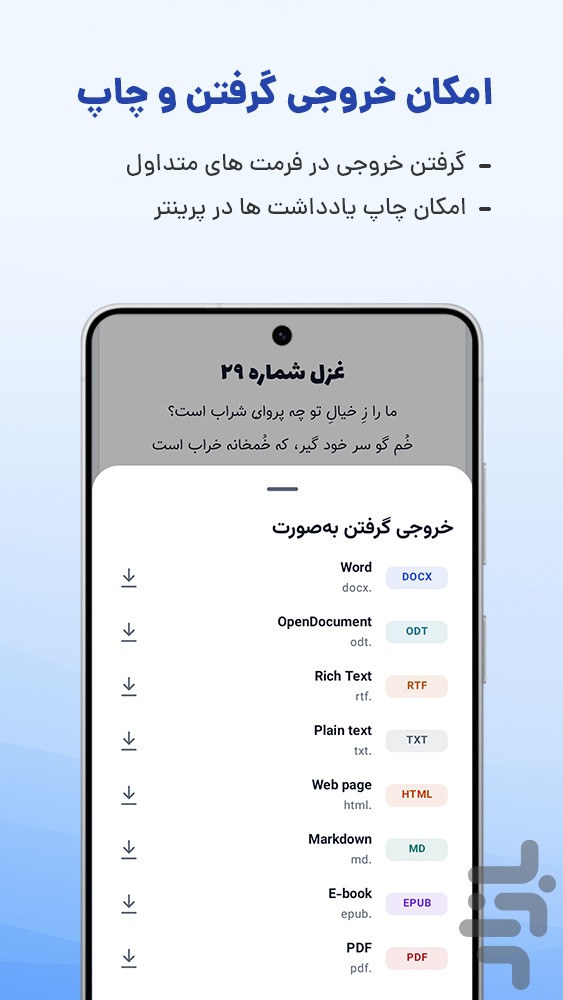
- 📂 Open & Export Multiple File Formats
- DOCX (Microsoft Word)
- ODT (OpenDocument)
- RTF (Rich Text Format)
- TXT (Plain Text)
- HTML
- Markdown (MD)
- EPUB
🔒 Privacy & Security
- Protect your documents with fingerprint authentication
- Support for face authentication
- Use your device PIN, password, or pattern as an alternative
📤 Print & Share
- Export documents as PDF and other supported formats
- Save changes back to the original file
- Share documents with other applications
- Print documents directly from the app
بازطراحی کامل رابط کاربری با ظاهری مدرن و تجربه کاربری بهتر
تبدیل برنامه به یک ویرایشگر حرفهای اسناد
اضافه شدن ویرایشگر پیشرفته متن با امکانات قالببندی
امکان افزودن تصاویر و جداول به اسناد
پشتیبانی از فونتهای دلخواه (TTF و OTF)
اضافه شدن تنظیمات پیشرفته صفحه و حاشیهها
امکان باز کردن و ویرایش فایلهای Word، ODT، RTF، TXT، HTML، Markdown و EPUB
اضافه شدن نمایشگر PDF و امکان تبدیل متن PDF به سند قابل ویرایش
امکان خروجی گرفتن در قالبهای مختلف از جمله PDF و DOCX
اضافه شدن پیشنمایش صفحات و قابلیت چاپ اسناد
اضافه شدن قفل امنیتی با اثر انگشت و رمز دستگاه
بهبود عملکرد ذخیرهسازی خودکار اسناد
بهبود پشتیبانی از زبان فارسی و متون راستچین و چپچین
انتقال خودکار یادداشتهای نسخه قدیمی به نسخه جدید