
Your own kanban board for your to do list, with deadlines and reminders that ring. Three columns, To do, Doing and Done, and a single tap on the arrow moves each task to the next state. Use it as a simple task manager, a deadline tracker or a reminder for your events. Free, no account, and as many tasks as you want.
YOUR KANBAN BOARD
• Three tabs, To do, Doing and Done, each with its own counter.
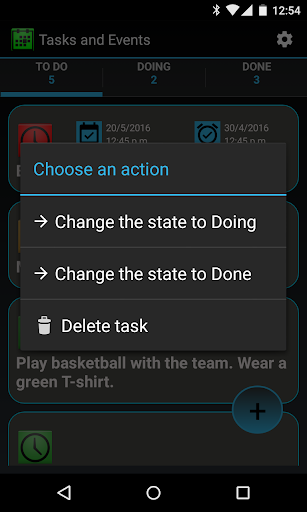
• Tap the arrow on a task to move it forward. Long-press to move it to another column or delete it.
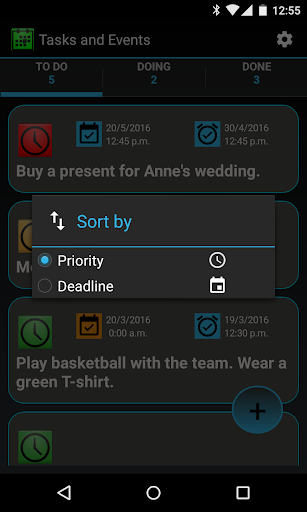
• Low, medium or high priority, each with its colour, so the urgent things stand out.
• Search to find any task in seconds.
DEADLINES AND REMINDERS
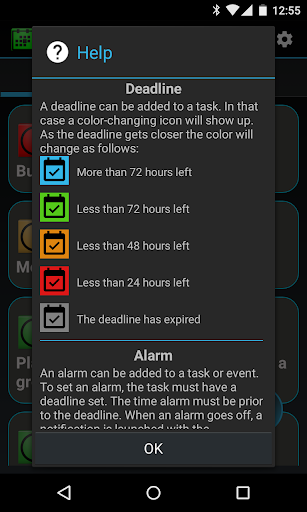
• Optional deadline. Its icon changes colour as the date approaches: blue with more than 72 hours to go, then green and orange, red with less than 24 hours left, and grey once it has passed.
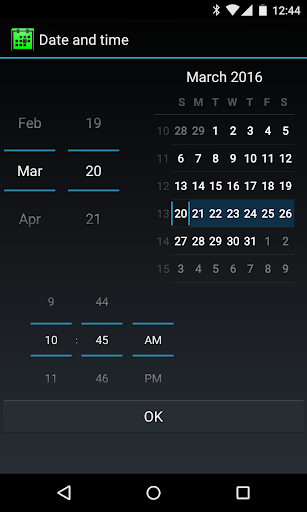
• Deadline reminder: at the time, 10 minutes, 1 hour or 1 day before, or at any moment you choose.
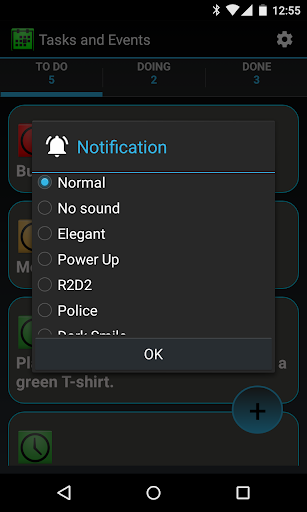
• Pick the alarm sound. With the repeating sound on, the reminder keeps ringing until you respond to it.
• Notification with Done and Snooze buttons, also shown on your smartwatch if it receives your phone's notifications.
• Snooze for 5 minutes, 30 minutes, 1 hour, 24 hours or any time you like.
RECURRING TASKS AND EVENTS
• Daily, weekly on the days you choose, monthly, yearly, or every N days, weeks, months or years.
• When you complete a recurring task, it is logged in Done and the next one is scheduled for you.
CHECKLISTS AND SUBTASKS
• Break a task into steps and tick them off one by one. The card shows your progress.
A LOG OF WHAT YOU GOT DONE
• The Done tab keeps when each task was created, started and finished: a done list and work log with no extra typing.
MORE
• Monthly calendar view with a dot on every day that has tasks.
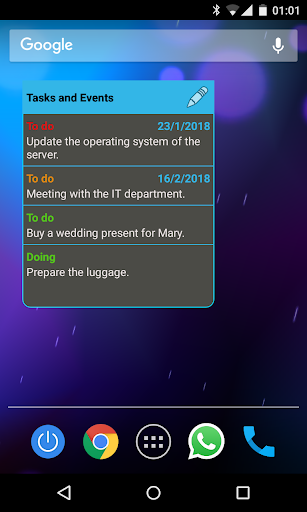
• Home screen widget with your tasks.
• Voice dictation for the task description.
• Backup and restore to a file.
• Export to CSV to open your tasks in any spreadsheet.
• Dark theme with a cyan accent.
• Works offline: your tasks, attachments and settings stay on your phone.
PREMIUM: ONE PAYMENT, FOREVER
The app is free with ads, and you can create as many tasks as you like. Premium adds:
• No ads.
• Photos and voice notes attached to your tasks.
• Deadlines synced with your phone's calendar (Google Calendar or any other you use).
• Interactive widget: open and create tasks right from your home screen.
WHAT IT IS AND WHAT IT IS NOT
It is a personal task organizer: one three-column board that lives on your phone. There are no teams, shared tasks, custom columns or cloud sync. To move to a new phone, use the backup file.
FAQ
• Do I need an account? No. Open the app and start.
• Do reminders ring when the app is closed? Yes. If battery saving delays them, the app shows you how to fix it.
• Will I keep my tasks after updating? Yes. Your tasks, reminders and settings from the previous version are still there.
On your phone, the app is called "Tasks and Events".
Version 3: rebuilt from scratch. Your tasks, reminders and settings are all here.
• Create as many tasks as you want
• Repeating tasks and events
• Checklists inside a task
• Done and Snooze buttons on the notification; snooze for as long as you like
• Monthly calendar view
• Tap the arrow on a task to move it to the next state
With Premium: photos and voice notes, sync with your calendar and no ads.