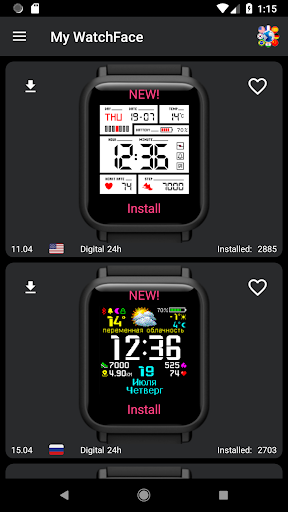

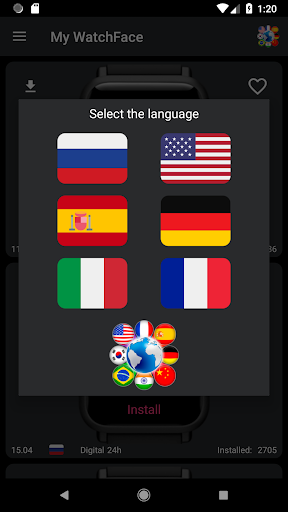
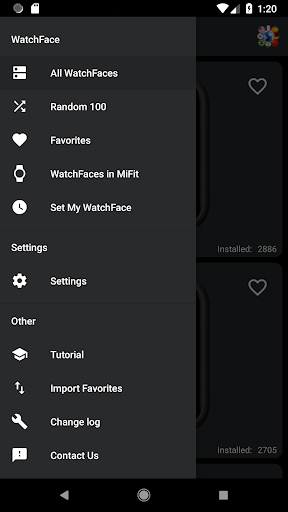
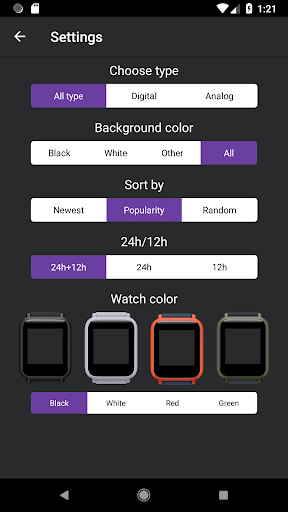
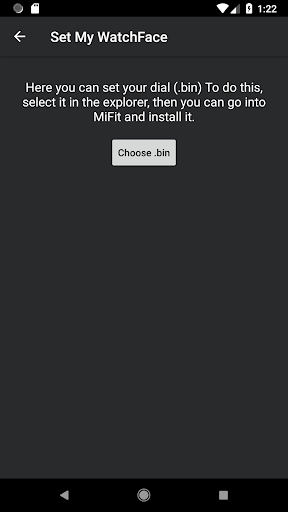
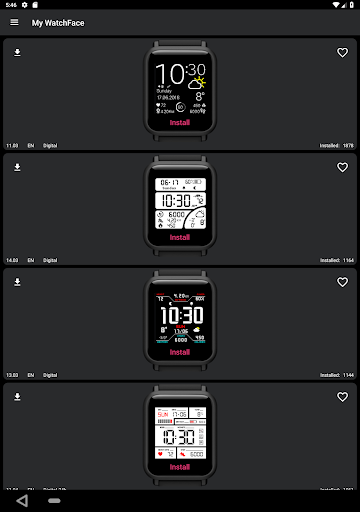
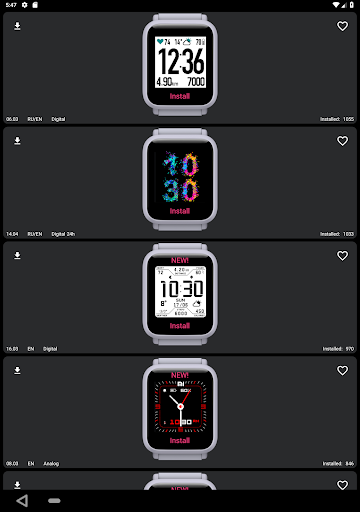
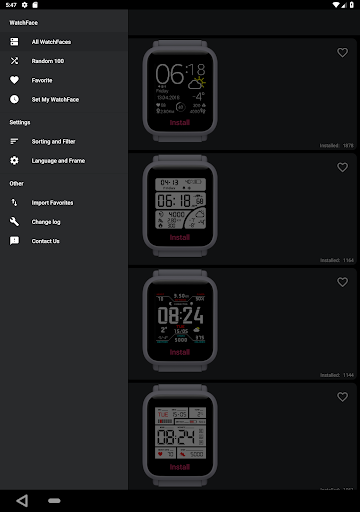
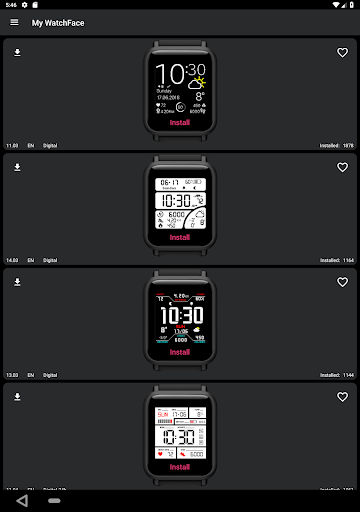
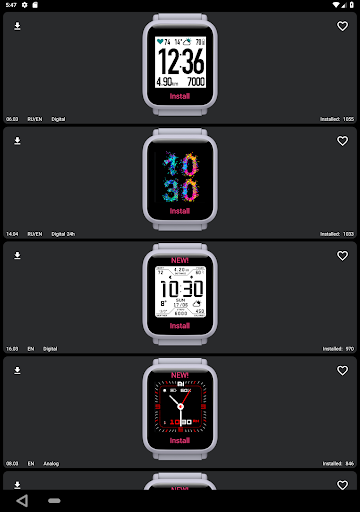
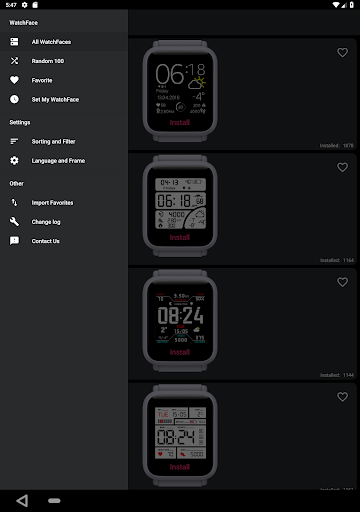
A NEW way to install the WatchFaces is available! Now you can install the WatchFaces in the section "Local watch faces" in MiFit. There is also the possibility of choosing the old method of installation (through the section "Online watch faces"). You can select it in the left menu of the application.
The easiest way to set the WatchFace:
1) Open MiFit
2) Click on "Profile"
3) Click on "Amazfit Bip"
4) Click on "WatchFace setting"
5) Click on "Local watch face"