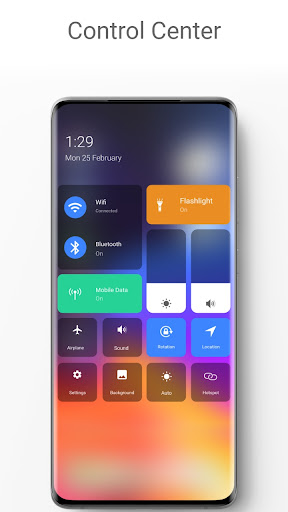
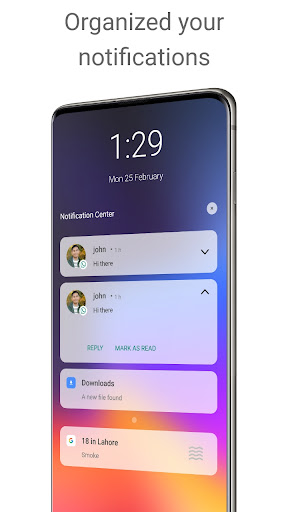
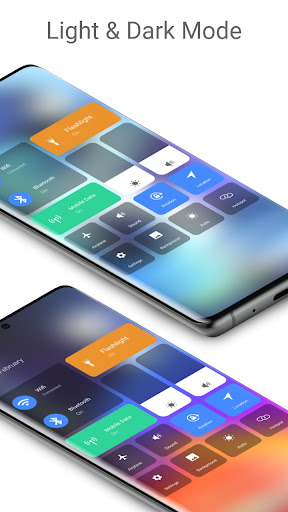

Vexa Controls gives your quick settings and notifications a soft, modern glass design. Swipe down from the top right for your controls, or from anywhere else on the top edge for your notifications.
Quick controls
- Mobile data, Wi-Fi, Bluetooth and airplane mode together in one card
- Rotation, torch, location, screenshot, Do Not Disturb, dark mode and more
- Tall brightness and volume sliders
- Music card: play, pause and skip, or tap to open your music app
- Shortcuts for screen cast, wallpapers, the camera, the calculator and settings
Notifications
- Smart notification panel with frosted glass cards
- Expand a card to read more or reply
- Clear all in one tap, or open notification settings
- Show notifications and controls separately, or together in one panel
Custom themes
- Vexa: pastel silk wallpaper with blue, violet, amber and sky accents
- Many more panel themes to pick from
- DIY panel: your own wallpaper, tile shape and colour
More tools
- Edit the panel right where it is: move, add, remove and resize tiles
- Choose where the panel opens from
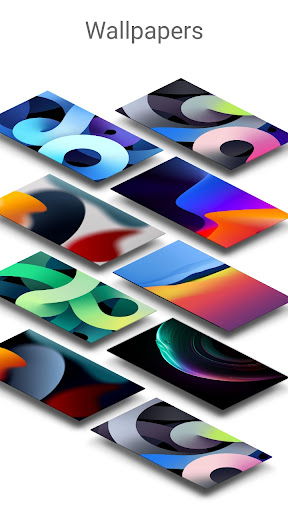
- Wallpapers and live motion wallpapers
PERMISSIONS
- Accessibility service: used to show the control center and notification panel over other apps, and for actions you choose, such as taking a screenshot or opening the power menu.
- Notification access: used to show your notifications and music controls in the panel.
- Modify system settings: used to change brightness from the panel.
- Bluetooth / nearby devices: used to show and switch Bluetooth.
Vexa Controls is an independent app. Some toggles open the system settings page, depending on your Android version and phone.
FEEDBACK
If you have any problem while using the app, please let us know and we will check and update it as soon as possible.