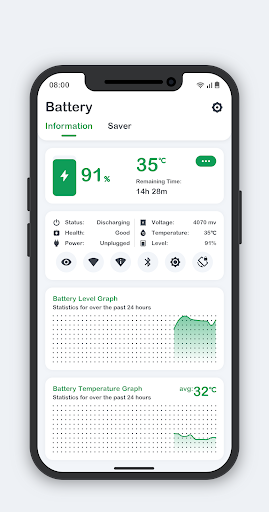
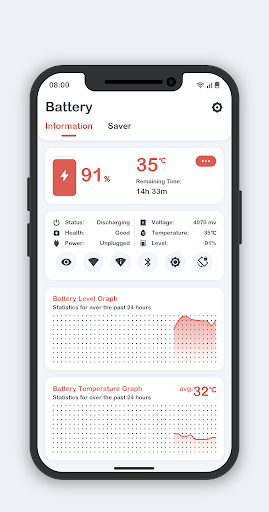
Battery Monitor shows what is happening inside your battery while you use your phone, charging it, or playing a game — with the readings in a widget or floating window instead of buried in settings.
★ Battery Details
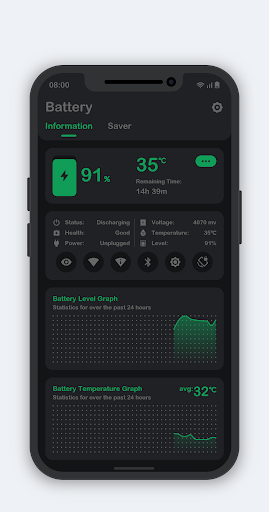
Check battery temperature, health, charging state, charging type, voltage, current level and capacity. On Android 14 and newer you also see the charge cycle count. A live waveform shows the current level at a glance.
★ Floating Window
A small desktop overlay keeps battery temperature and level on screen while you play or work. The temperature window draws a temperature curve and follows the reading as it changes. Each window can be moved and resized.
★ Overheat Alert
Set your own temperature limit for the battery or CPU between 30 and 80 °C. When it is reached, the floating window turns red and shows a high-temperature warning. You can switch the alert on or off whenever you like.
★ Battery Widgets
Add battery widgets to your home screen in several sizes, from a compact level readout to a larger panel with temperature and details, so the numbers are there when you look at your phone.
★ Power Saving
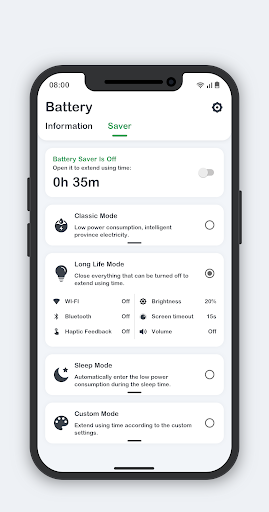
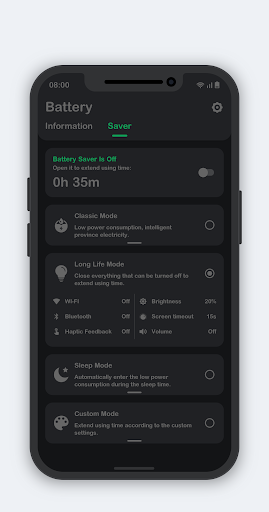
Classic mode, Long Life mode and a custom saving mode let you adjust device settings to reduce battery drain in the way that suits you.
★ Themes
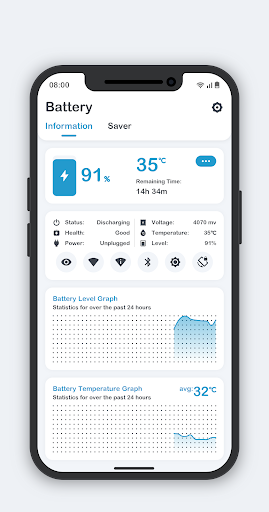
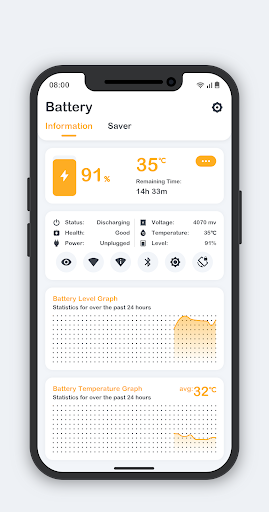
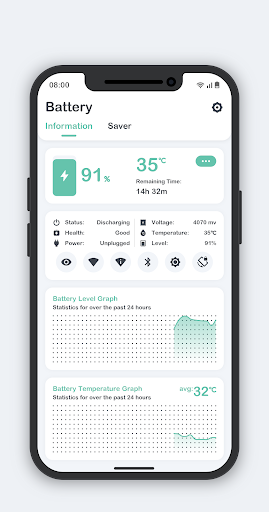
Switch between several themes and a dark mode to match your home screen.
Battery Monitor puts health, temperature and charge in one place, so you always know how your battery is doing.