Glass, the whole way down.
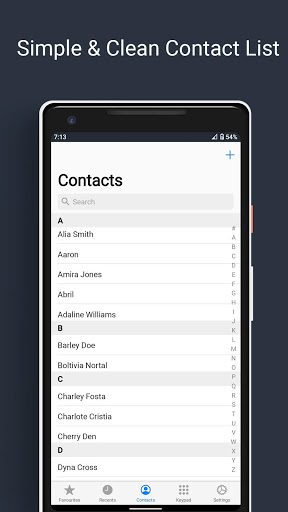
iCallify Phone Contacts Dialer 7.0 redraws the whole app on translucent liquid glass panels: keypad, Recents, Contacts, Settings. Real backdrop blur, live. Scroll the contact list and the panel keeps refracting the names. Tint is borrowed off your wallpaper, which is why this app won't look the same on your handset as on mine.
WHY IS IT ALL SEE-THROUGH?
Because flat grey had a good long run and this one's better. We drew it with a live backdrop renderer instead of a blurred screenshot, and your thumb finds the difference: highlights move where you press. Liquid glass on Android, drawn frame by frame.
THE INCOMING CALLSCREEN
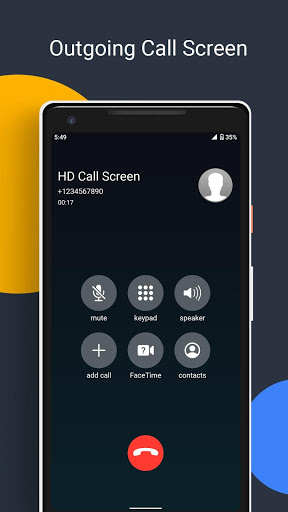
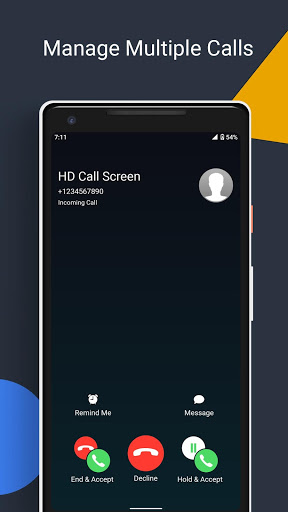
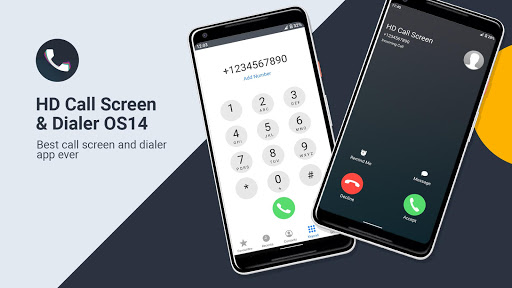
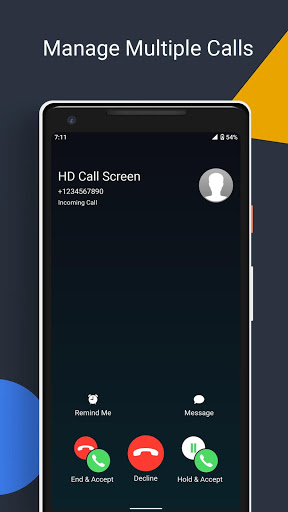
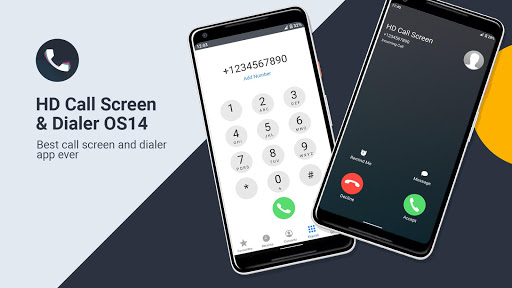
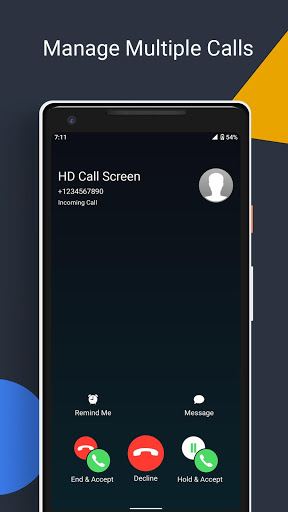
Someone rings and the incoming call screen fills the display or shrinks to a banner if you're mid-game. Slide to answer is one button style among several; take a plain tap if you don't like the gesture. Saved numbers get the full screen caller id treatment, your own photo of that person filling the caller screen, and a contact poster lets one person look nothing like the rest of the phonebook. Our older listings called these the iCallScreen and iDialer. Same tools, new surface.
CALLSCREEN CUSTOMIZATION
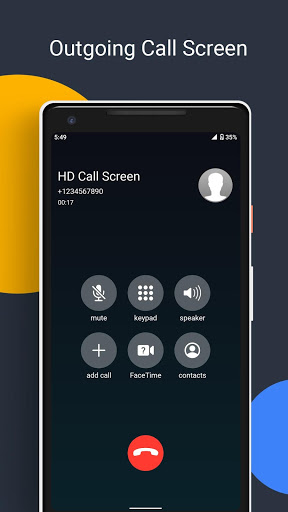
Backgrounds come from a catalog we keep adding to (photo and video) or your gallery. A dialer theme repaints the dial pad and the tabs at once: flat color, gradient, photo or video. Want a quiet color call screen on Monday and a video by Friday? Preview either first. Callscreen buttons, wallpaper, the lot: customize what you want. New packs reach the catalog without an app update. Anything with a padlock belongs to Premium.
WHAT THE T9 KEYPAD DOES
Underneath the glass it's the same phone app it always was.
• T9 search: tap 5-4-7 and Kiran comes up.
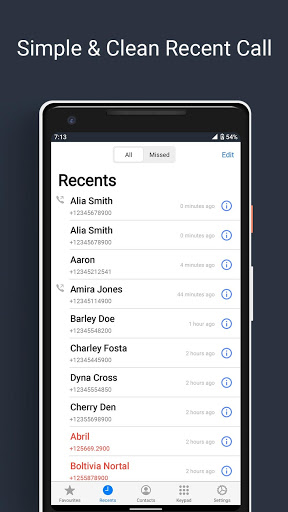
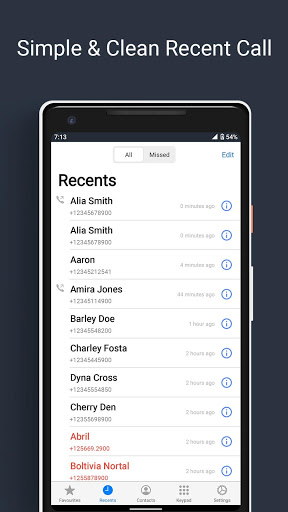
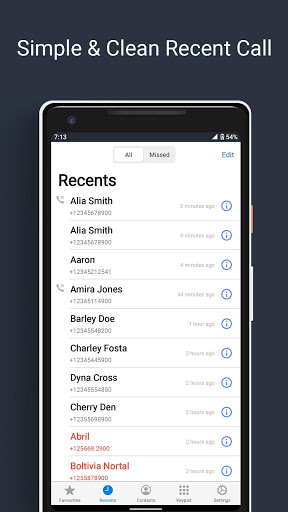
• Recents reads your call log, keeping missed, incoming and outgoing calls apart.
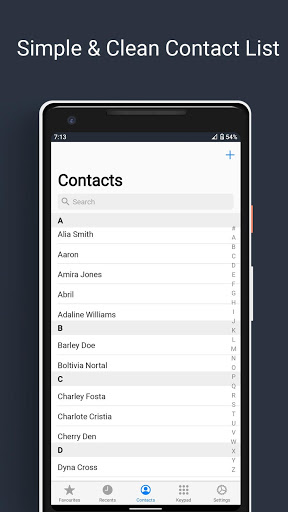
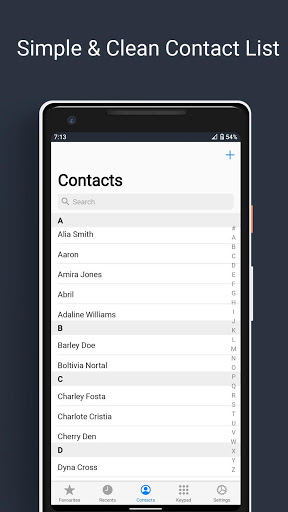
• Between speed dial and Favourites you cover the people you ring most, and Contacts works like a photo dialer, your favorite person showing up by face.
• Search the phonebook by name or by number.
THE TOOLS I'D KEEP
• The caller name announcer speaks the name aloud, which earns its keep when the handset is at the bottom of a bag; you set the voice language, how many times it announces, the gap between repeats and whether it stays quiet on vibrate.
• Flash on incoming calls blinks the camera flash while it rings, with on and off times in milliseconds.
• Type a number into the call blocker, or lift one from your phonebook. Blocked numbers stop ringing. Manual blocking of unwanted calls, no lookup service behind it.
• Fire off a quick response when you can't talk. Decline instead and a reminder to ring back waits.
• Fake call: set the fake caller name, the number, a custom ringtone, a time to schedule it. The fake callscreen rings on cue.
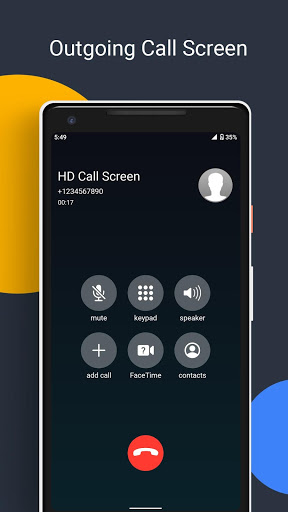
• Once it ends, one card offers ring back, message, block, contact info and WhatsApp.
RINGTONES
Browse, preview, keep. Making one your ringtone costs a confirm and a permission.
DUAL SIM
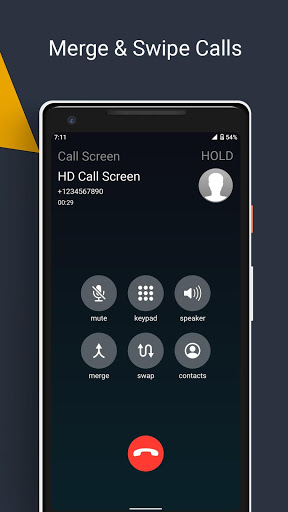
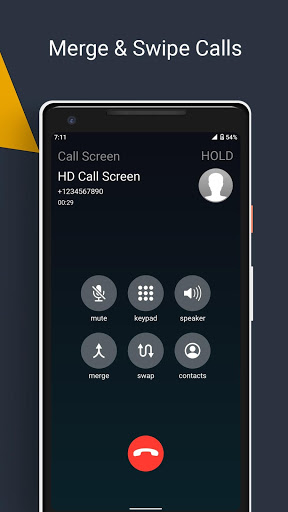
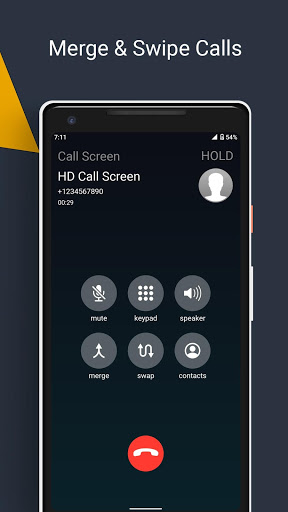
Pick the sim as you dial or set a default, hold the first caller while a second waits, swap or merge them into a conference.
WHAT IT COSTS
Installing costs nothing; ads pay for it. Premium clears them and opens the locked themes, backgrounds, buttons, ringtones, with a three day trial if you qualify. Sixteen languages, including Hindi and Urdu.
COMING FROM 6.3?
Settings, backgrounds, speed dial, quick responses, reminders, announcer and flash all come across on first launch, Premium included. Migration runs by itself. Its only sign is a splash screen sitting a second longer.
THE PERMISSION
Android hands calls to one app at a time, which is why iCallify Phone Contacts Dialer asks to be your default phone app. Hand it back in Android settings whenever you like. Recents stays empty until you allow the call log, and on a handset that's ruthless with background apps, let this one through or the announcer and flash sleep through the ring.
iCallify Phone Contacts Dialer has been on Play for years. The liquid glass is the new part.