| Antivirus | Status |
|---|---|
| McAfee | Clean |
| FSecure | Clean |
| Symantec | Clean |
| ClamAv | Clean |
| Kaspersky | Clean |
| Eset | Clean |
| DrWeb | Clean |
| Comodo | Clean |
| ZonerMobileSecurity | Clean |
| GooglePlayProtect | Clean |
App screenshots
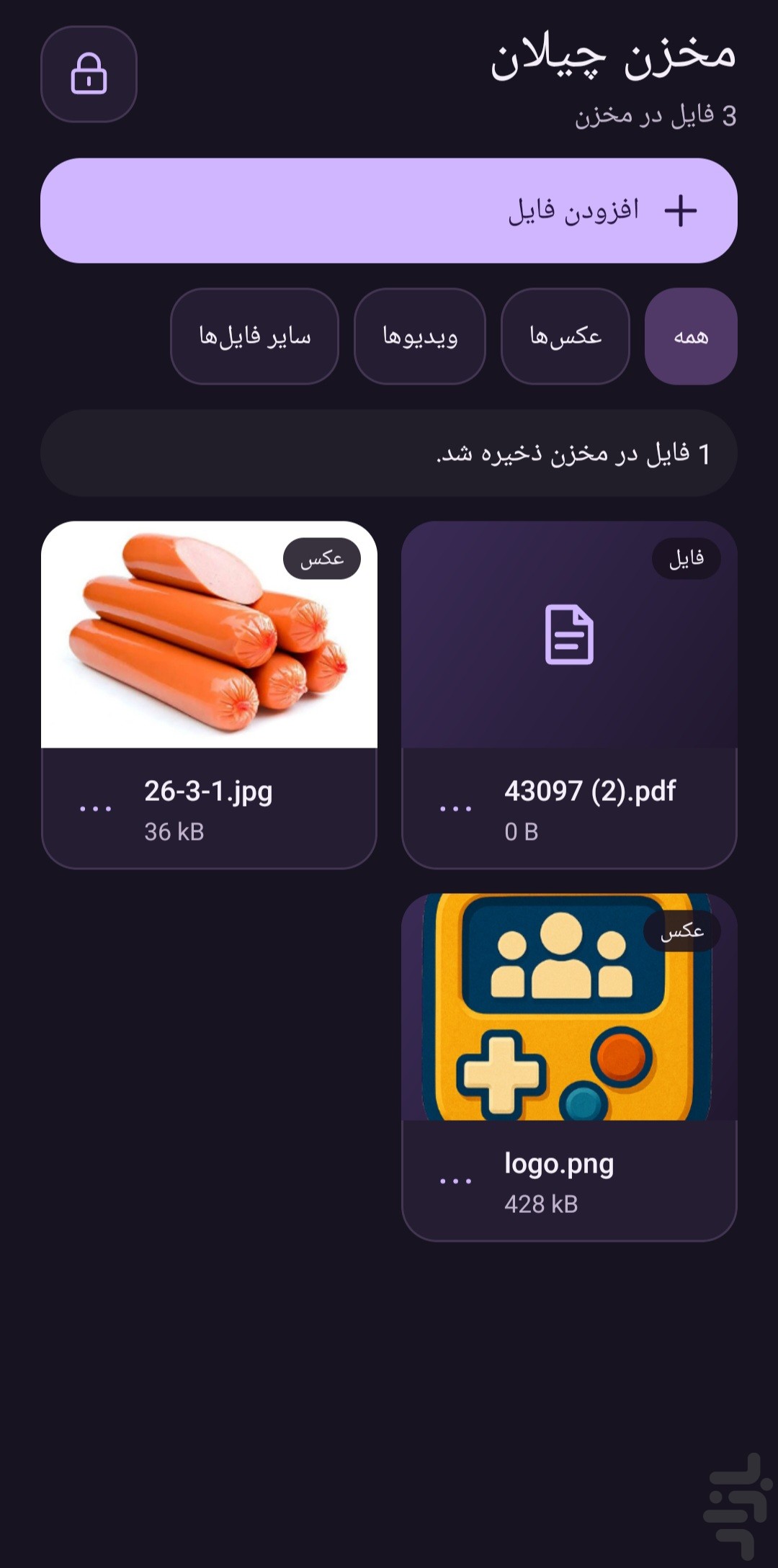
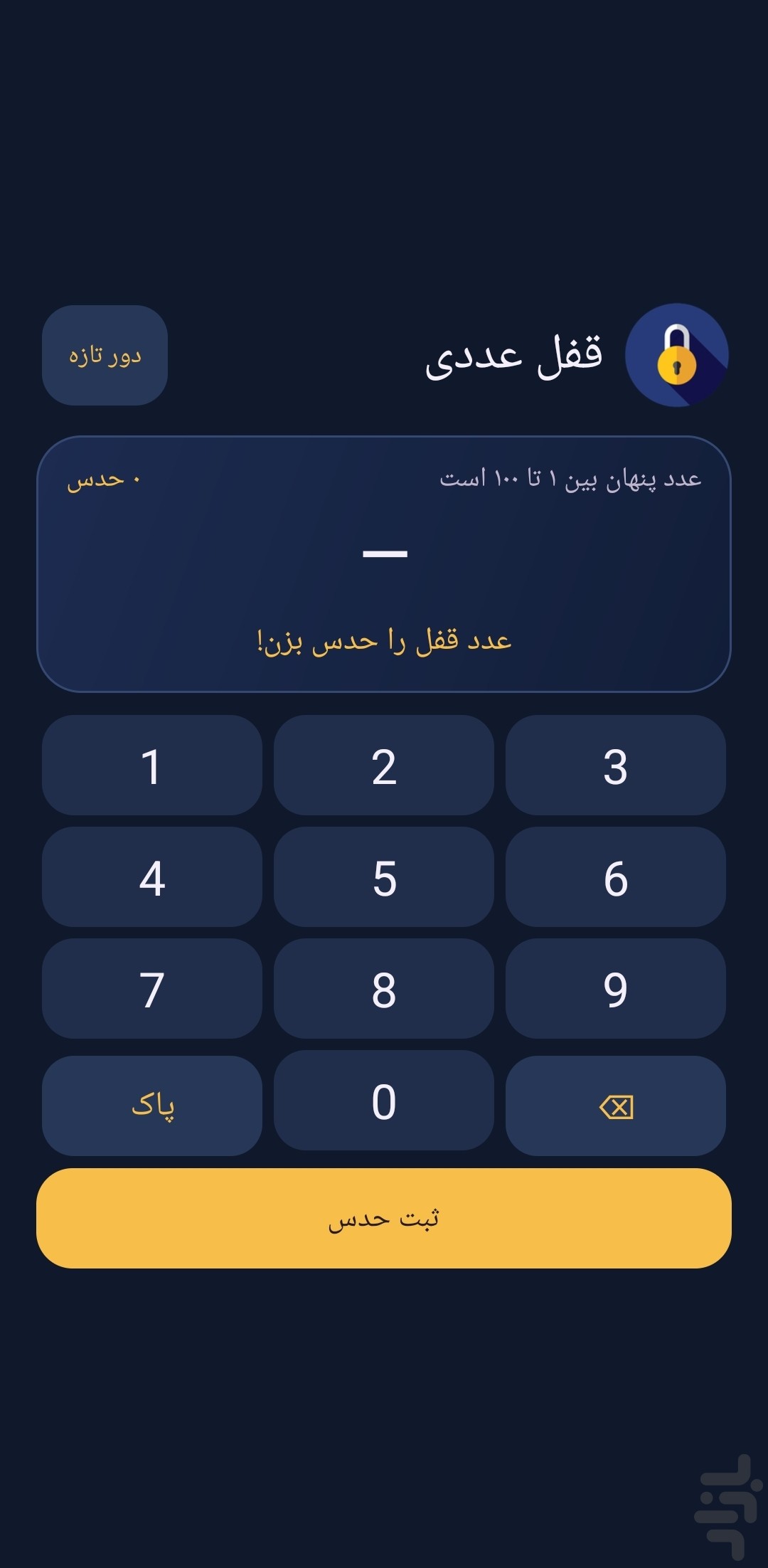
Chilan | Hide Photos, Videos, and Files
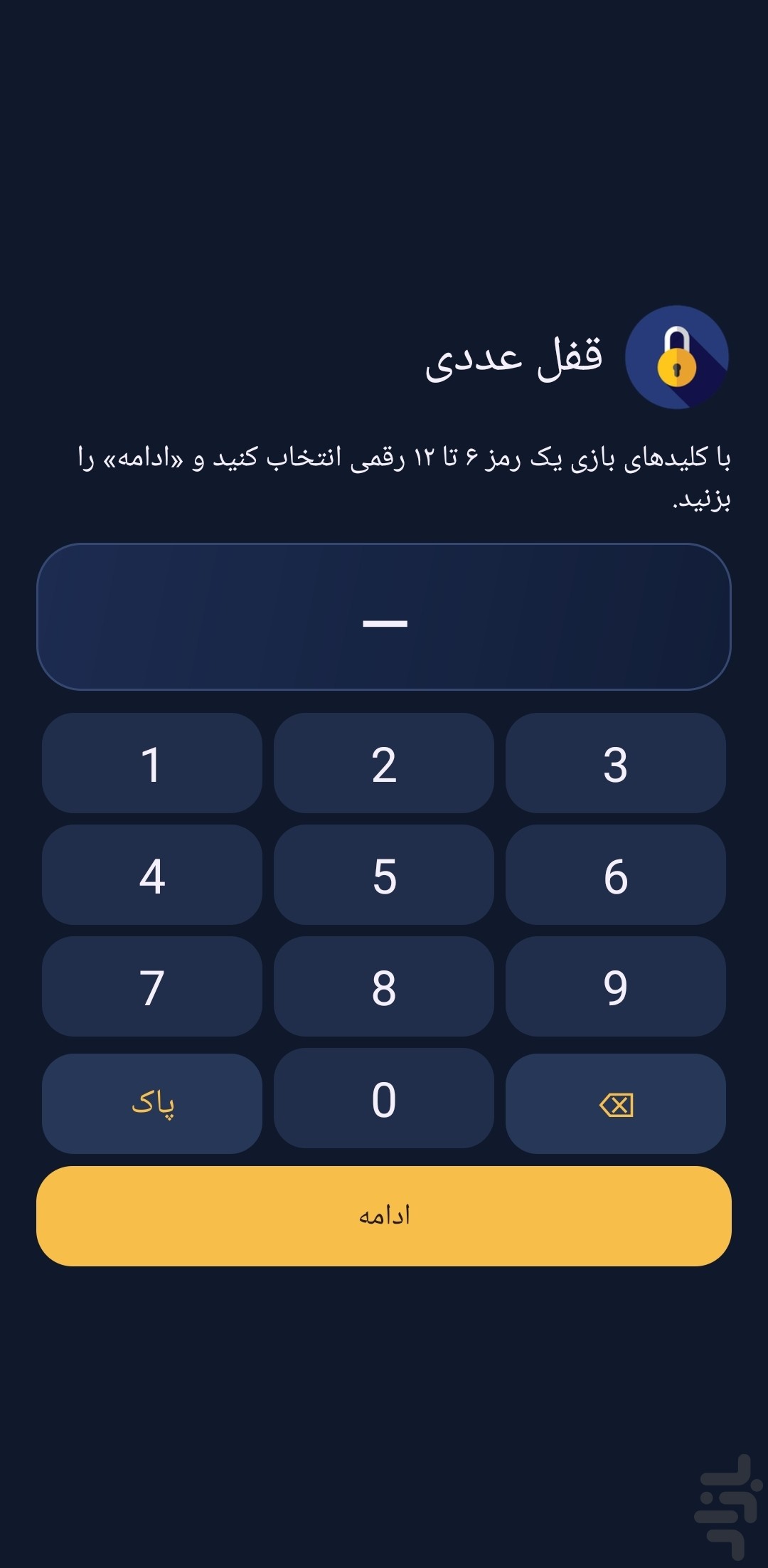
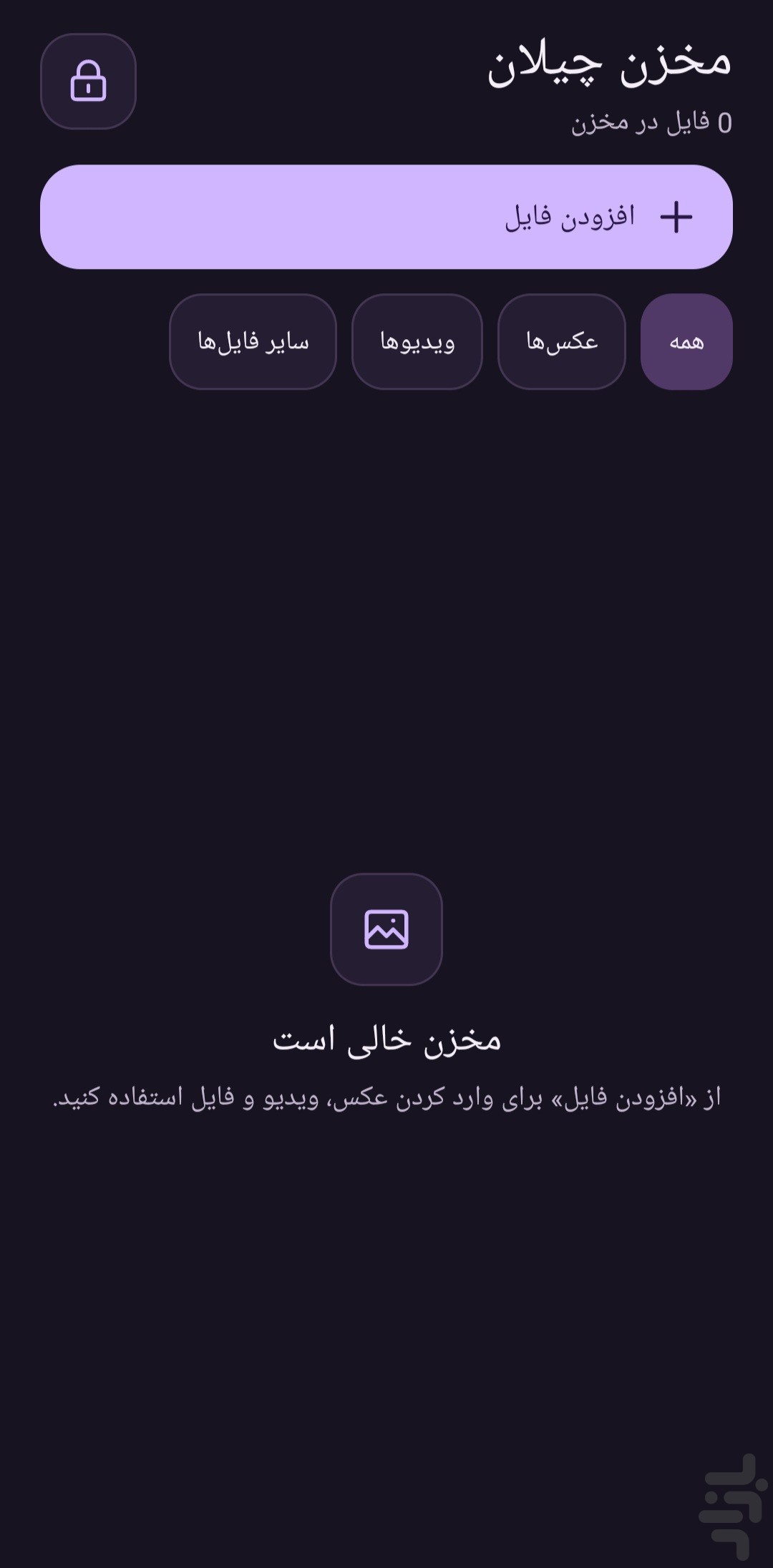
Chilan serves as a private vault for hiding your personal photos, videos, and files. The app’s main interface is a functional game called "Number Lock." At first glance, anyone opening the app will simply see the game screen, with no access to your private files.
Upon first launch, set a personal passcode (6 to 12 digits). Afterward, simply enter your passcode using the keys within the game to unlock the vault.
- Add Files
Select photos, videos, and other files from your phone’s storage; an encrypted copy will then be saved within Chilan.
- Delete Original Files (with your confirmation)
Once your files are safely stored in the private vault, you can choose to delete the original versions from your gallery or file manager.
- View and Export
View your photos, play your videos, and export copies of your files out of the vault whenever you wish.
Reminder: Be sure to export your files from the vault before uninstalling Chilan or clearing the app's data.
اضافه شدن یک بازی در ظاهر نرم افزار