



PC Home Launcher gives your Android phone a desktop computer style home screen: a taskbar, a start menu, a file manager, widgets and a notification center, all in a clean, modern design.
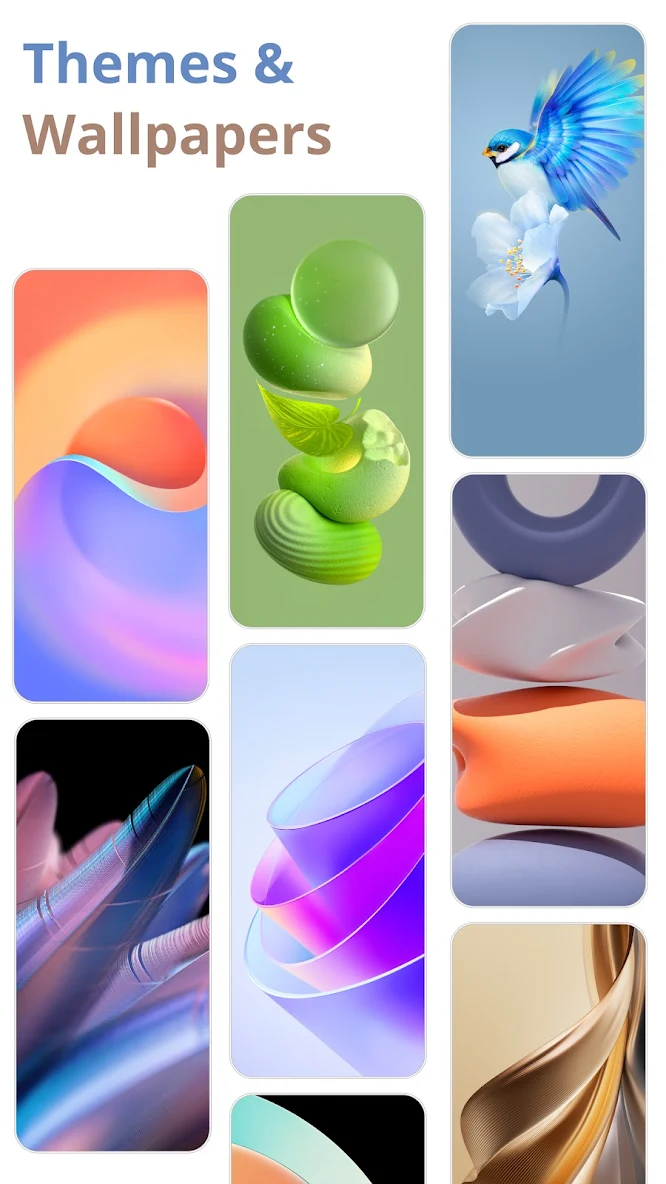
Surprise your friends with a new look for your phone and make the home screen your own with themes, icon packs, wallpapers and colours.
Desktop and taskbar
- Place apps, folders and shortcuts anywhere on the desktop
- Taskbar with your favourite apps, clock and date
- Press and hold an app to add it to the taskbar or the desktop
- Taskbar transparency and colour options
Start menu
- All your apps in a start menu with search
- Pin the apps you use most
- Change pinned apps with a long press
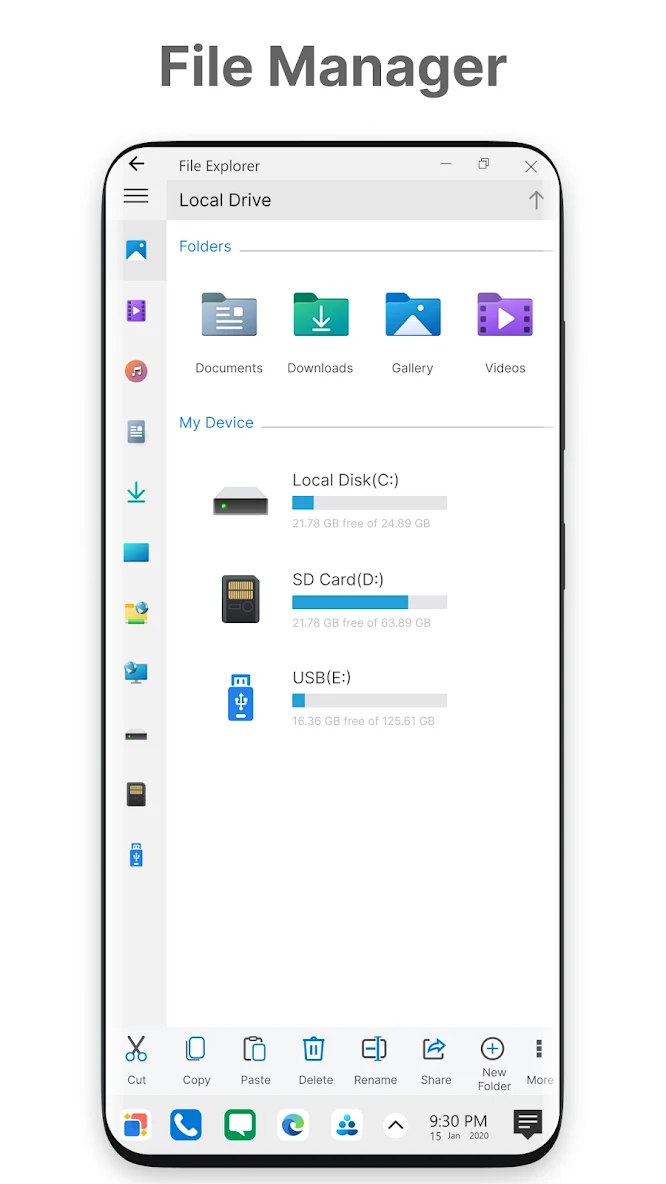
File manager
- Browse your phone storage, SD card and USB drives in a desktop style launcher.
- Copy, cut, paste, move, rename, share and delete files
- Create folders and zip or unzip files
- Trash: delete files now, remove them for good later
- Built-in photo viewer and gallery
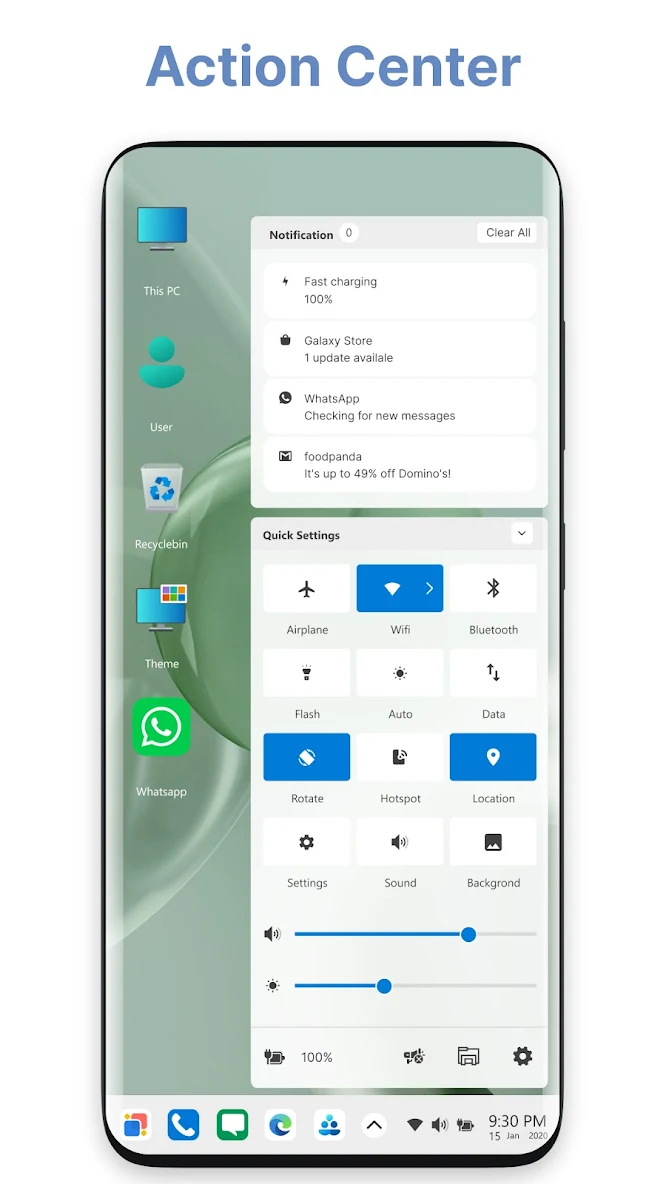
Notification center and quick settings
- See your notifications in one panel
- Quick toggles for Wi-Fi, Bluetooth, flashlight, rotation and more
- Brightness and volume sliders
Widgets
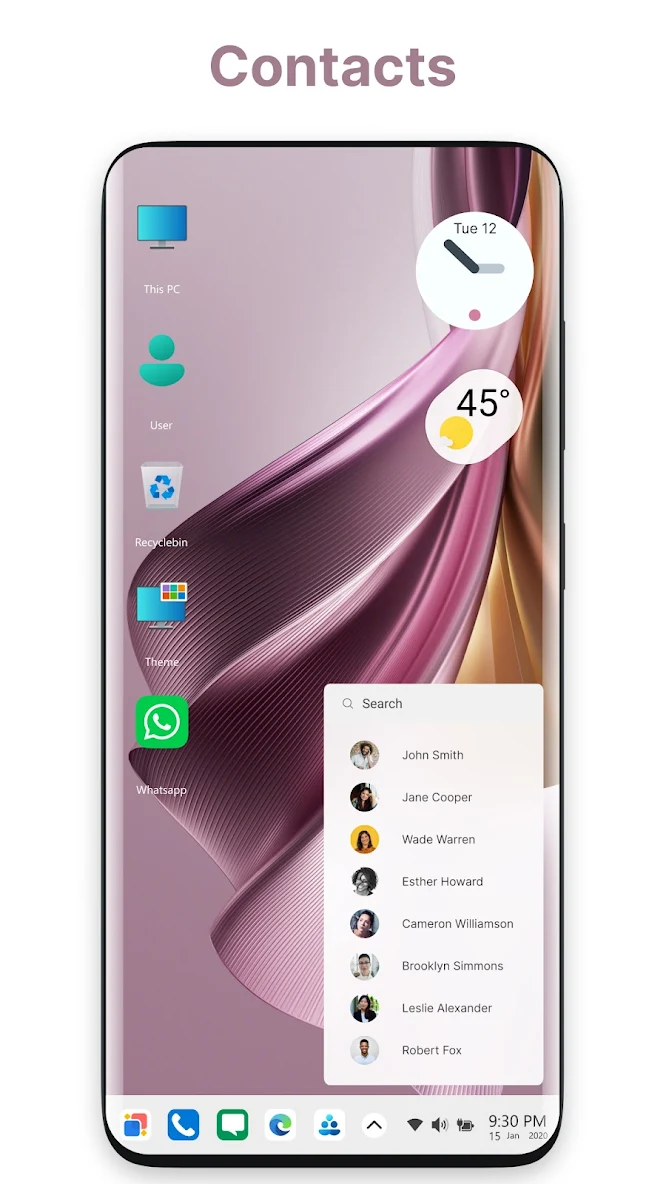
- Clock, weather, calendar, RAM and battery widgets
- Watch faces for your home screen
- Add your phone's own widgets too
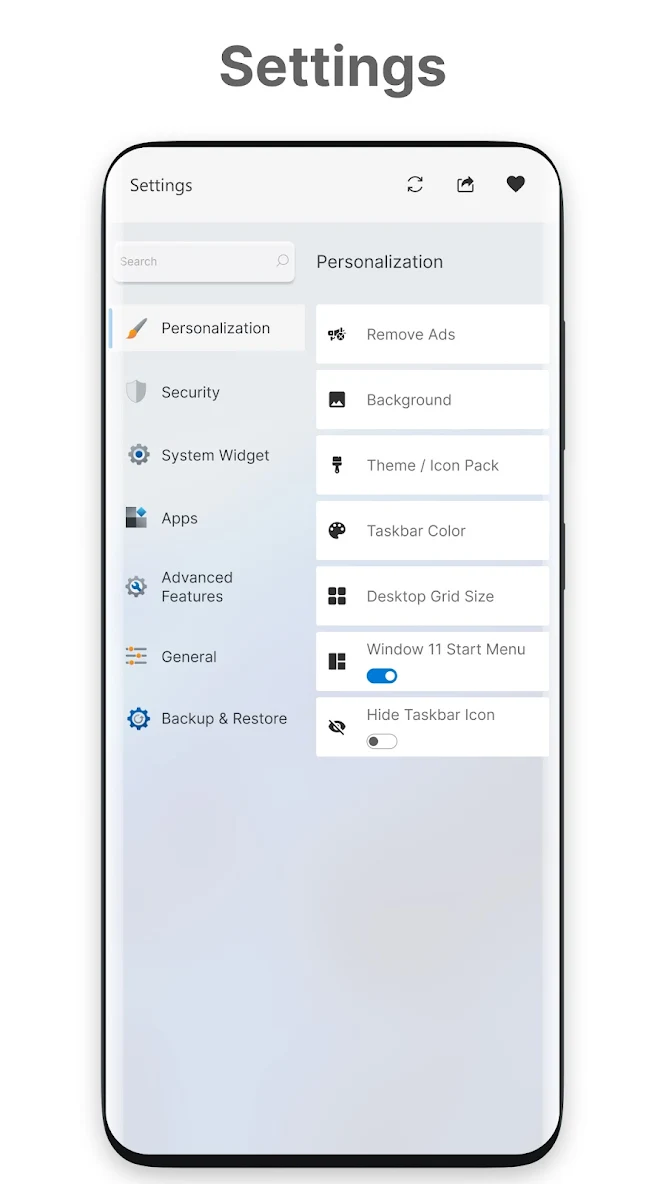
Make it yours
- Themes and icon packs
- Wallpapers, including live wallpapers
- Live and still blur effects
- Colours for the taskbar and menus
- Hide apps and lock them with a PIN
- Lock screen
- Phone and tablet support
PC Home Launcher is an independent launcher and is not affiliated with, endorsed by or connected to any operating system maker.


