


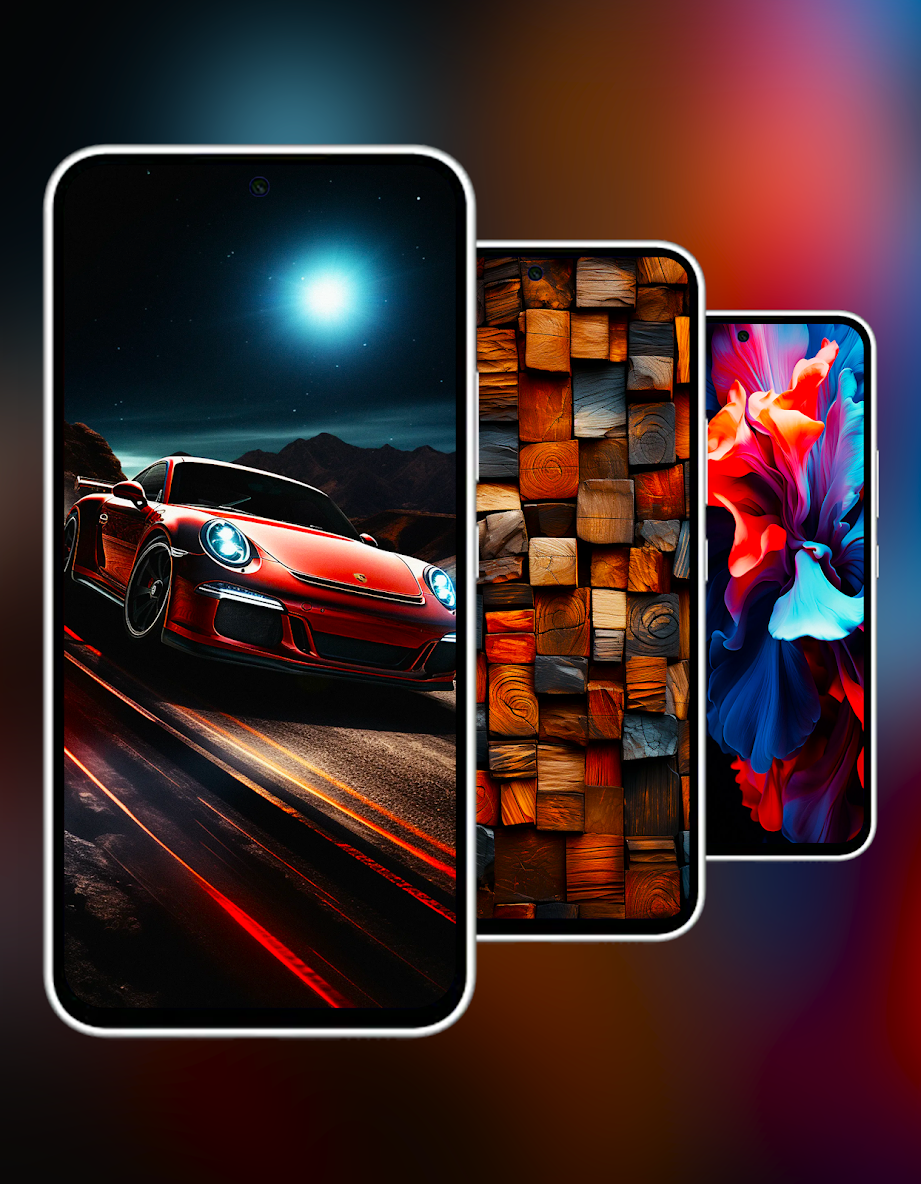


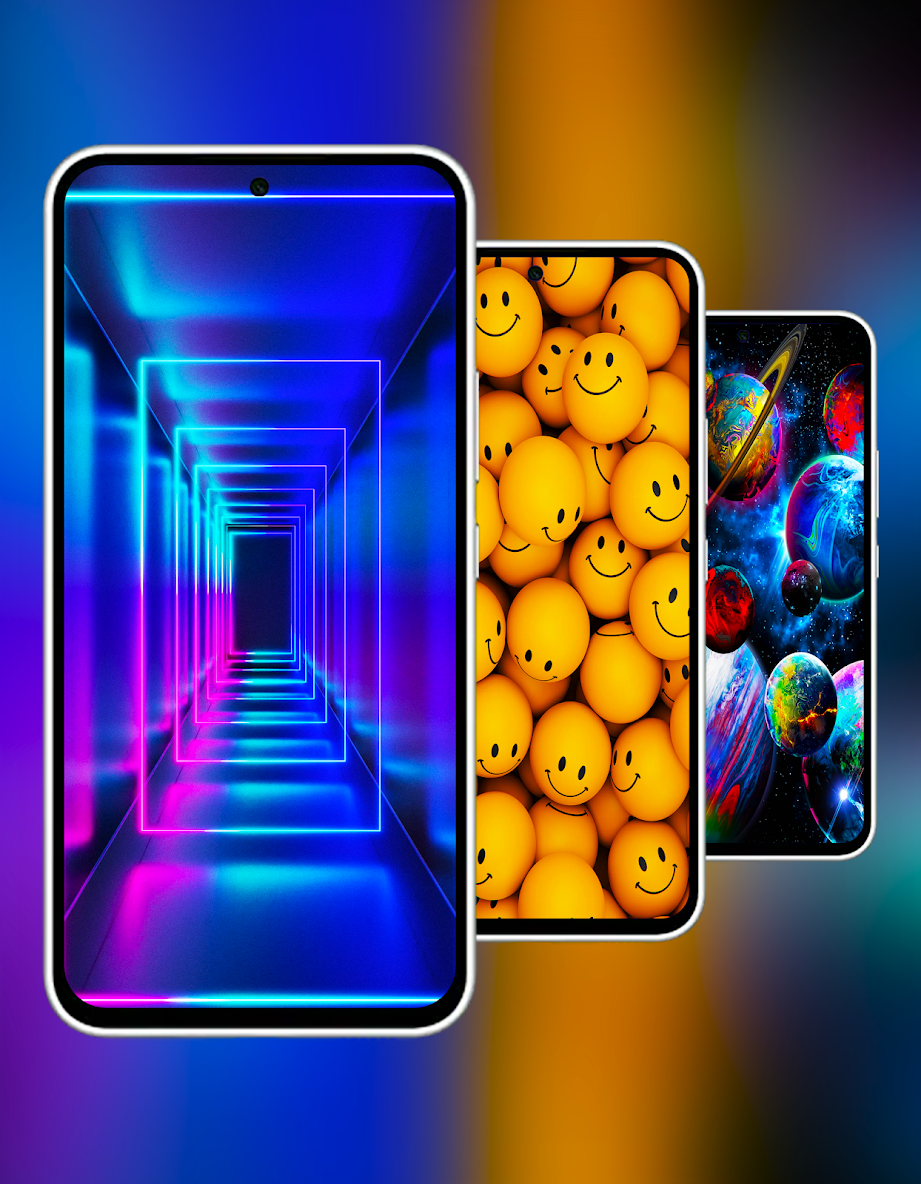

Refresh your screen with a collection that includes wallpapers you can use offline. Independently developed by Binary Cores, this Android personalization app pairs those included images with an online library of HD and 4K backgrounds, plus previews and visual filters.
Choose the artwork you want to see behind your apps and on your lock screen. Explore a darker look, add an outdoor scene or bring a favorite illustrated style into your daily setup.
Ready when a connection is unavailable
Open the offline collection to browse backgrounds already included with the app. You can apply a design, save an image to your device or add it to Favorites without Wi-Fi or mobile data.
This makes the collection useful when you are travelling or spending time somewhere with limited connectivity. Favorites keeps bookmarks for later browsing; downloading is the action that stores a local image copy.
More to discover online
Connect to explore the wider wallpaper library. Categories help you follow a particular subject, selections curated by Binary Cores offer a place to start, and Recently Added brings newer entries into view.
AMOLED backgrounds suit people who enjoy dark screen aesthetics. Abstract art introduces shapes and color, while anime illustrations and AI-generated designs appeal to fans of expressive digital imagery.
Nature scenes and floral wallpapers offer outdoor views and botanical detail. Car images provide something for automotive enthusiasts, and food photography adds another subject to explore.
Browse around the mood you want to create. A colorful image can complement accents in your icons, while a calmer composition may work well with a screen that already has plenty of detail.
Give the image a place in your layout
Before setting a background, open the home screen and lock screen mockups. These previews let you consider how the subject and surrounding space may look alongside screen elements.
Try the available visual filters and review the effect on your selected image. You can apply the result or download the adjusted version when you want to keep that appearance.
Set a wallpaper on the home screen, lock screen or both. A coordinated pair can bring the two screens together, or you can choose different images to give each a separate character.
Save a version and find it again
Choose from the available Your Screen, QHD+ or 4K download settings when saving a wallpaper.
Share a background through a compatible app when you discover an image that fits someone else's interests. Recently Applied helps you revisit wallpapers you have already used, so an earlier look remains easy to find after trying something different.
IMPORTANT DISCLAIMER
This wallpaper application is developed and published independently by Binary Cores. It is NOT an official application from any device manufacturer. No manufacturer affiliation, endorsement, sponsorship, authorization or official partnership is claimed.


