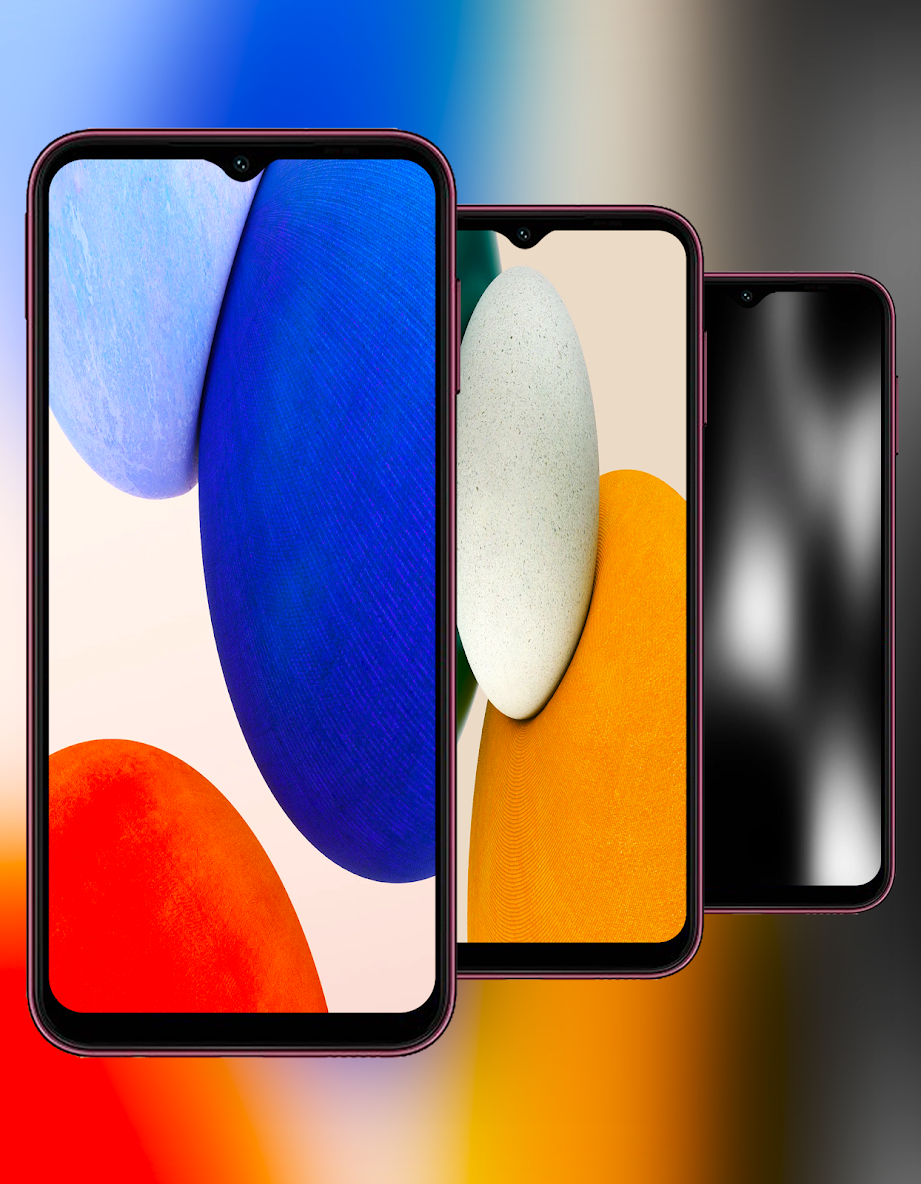

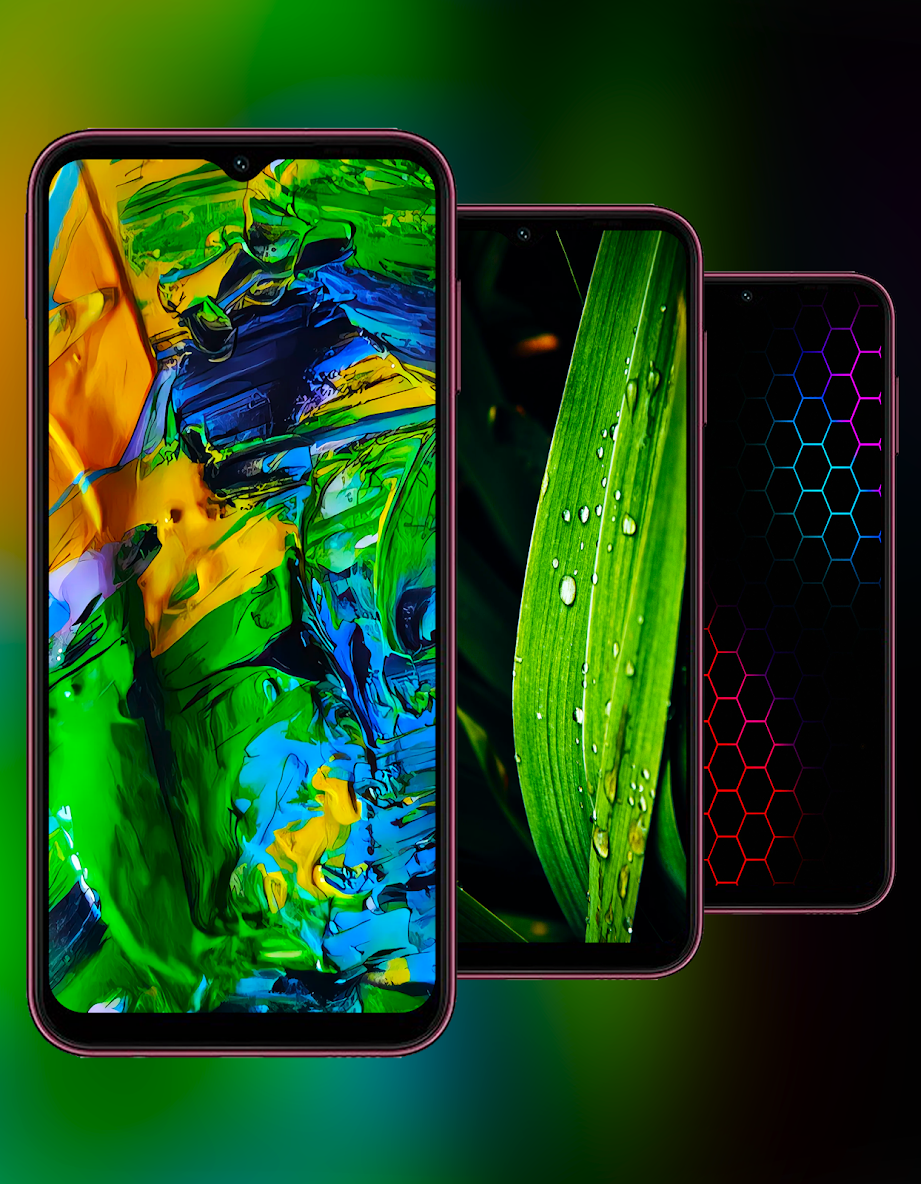

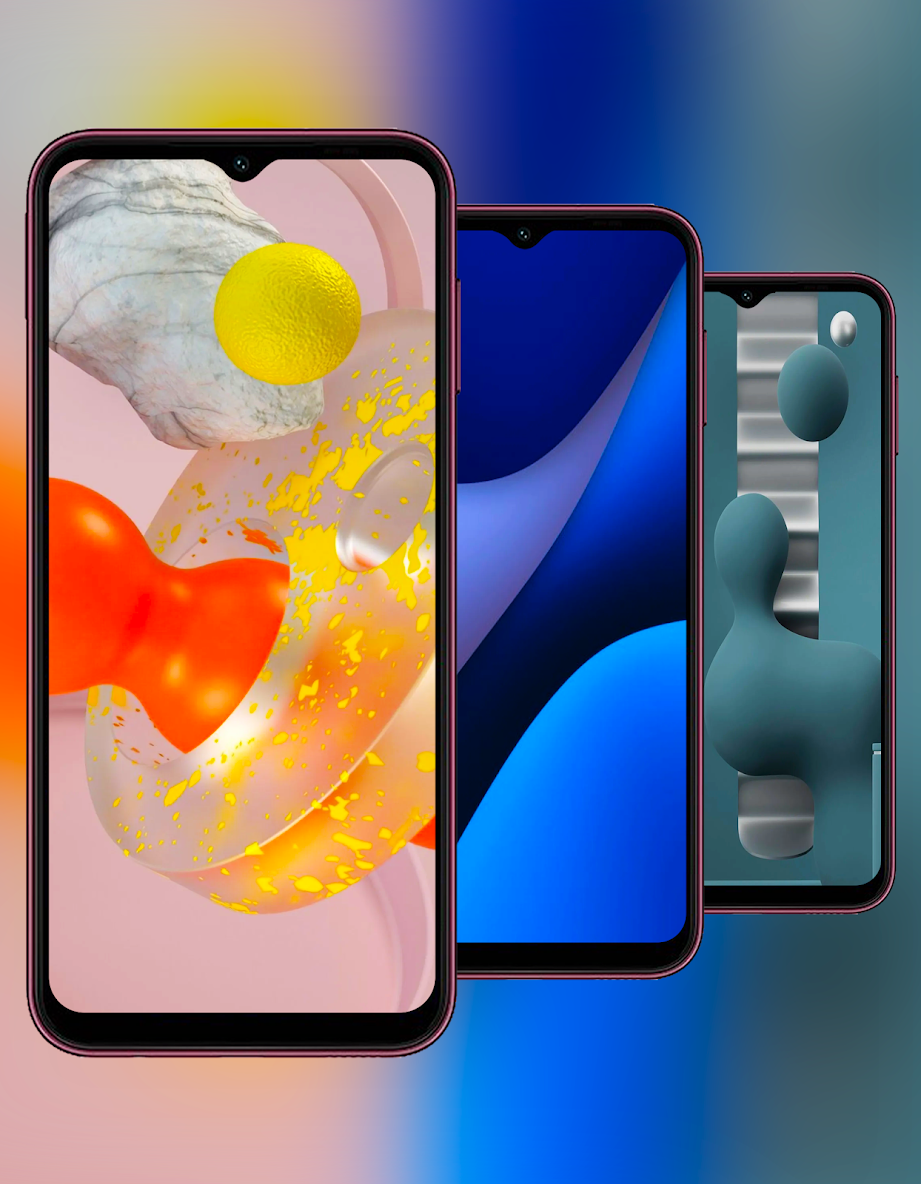


Bring your favorite colors, subjects and artwork to your home screen. Binary Cores Wallpaper 4K is an Android personalization app with HD and 4K backgrounds, from dark AMOLED designs to nature photography and imaginative digital art.
Create a home screen aesthetic around an image you love. Explore different styles, organize your discoveries and choose a separate look for your lock screen or carry the same design across both.
A GALLERY THAT FOLLOWS YOUR INTERESTS
For a darker setup, explore AMOLED backgrounds and subdued designs. Pair deep tones with your preferred icons, or choose an abstract wallpaper for expressive shapes and color. Artwork with a 3D-style appearance adds visual depth within a still image.
Prefer illustrations? Browse anime wallpapers and AI-generated artwork for imaginative scenes and digital compositions. A striking subject can make the lock screen feel like a small art display, while a simpler composition can leave more room around your everyday shortcuts.
Photography brings another perspective. Nature wallpapers, flowers and animal images offer subjects from the outdoors. Car enthusiasts can explore automotive backgrounds, and food photography adds color and detail for people who enjoy everyday subjects.
You can choose by subject today and by color tomorrow. A floral image might complement a soft palette; an abstract design could inspire a bolder arrangement. The collection gives you different starting points for a screen that reflects your taste.
TURN DISCOVERIES INTO YOUR OWN COLLECTION
Browse categories when you know what interests you. For another starting point, explore selections curated by Binary Cores or visit Recently Added to see newer entries in the online library.
Favorites give your discoveries a place to stay. Bookmark a few possibilities as you browse, then return to your shortlist when you want a change. Recently Applied lets you revisit backgrounds you have already used.
TOOLS TO MAKE THE CHOICE EASIER
• Preview an image in home screen and lock screen mockups.
• Experiment with visual filters while reviewing the design.
• Set your chosen background on either screen or both.
• Download images to keep copies on your device.
• Share a wallpaper through a compatible app.
Look at where the main subject sits, how the colors work together and whether detailed areas will fall behind your screen elements. A preview helps you make that choice before applying the wallpaper.
Saving a favorite bookmarks the image inside the app. Use the download option separately when you want a local file.
WALLPAPERS AVAILABLE OFFLINE
An included offline collection lets you browse and use backgrounds without Wi-Fi or mobile data. It provides a place to start when your connection is unavailable, whether you are away from home or traveling.
The wider online library requires an internet connection. Offline access applies to the wallpapers included in the offline collection.
ABOUT BINARY CORES WALLPAPER 4K
Developed and published by Binary Cores.